The best place to
learn Raylight
Short lessons on the editor, cinematic effects, and getting paid as a creator.
Raylight: learning the basics
A walkthrough of the editor from an empty project to a finished shot. The fastest way in if you would rather watch than read.
Watch on YouTubeI replaced After Effects with this
Rebuilding the Revolut app template from scratch so you can see every decision, not just the result.
Watch on YouTube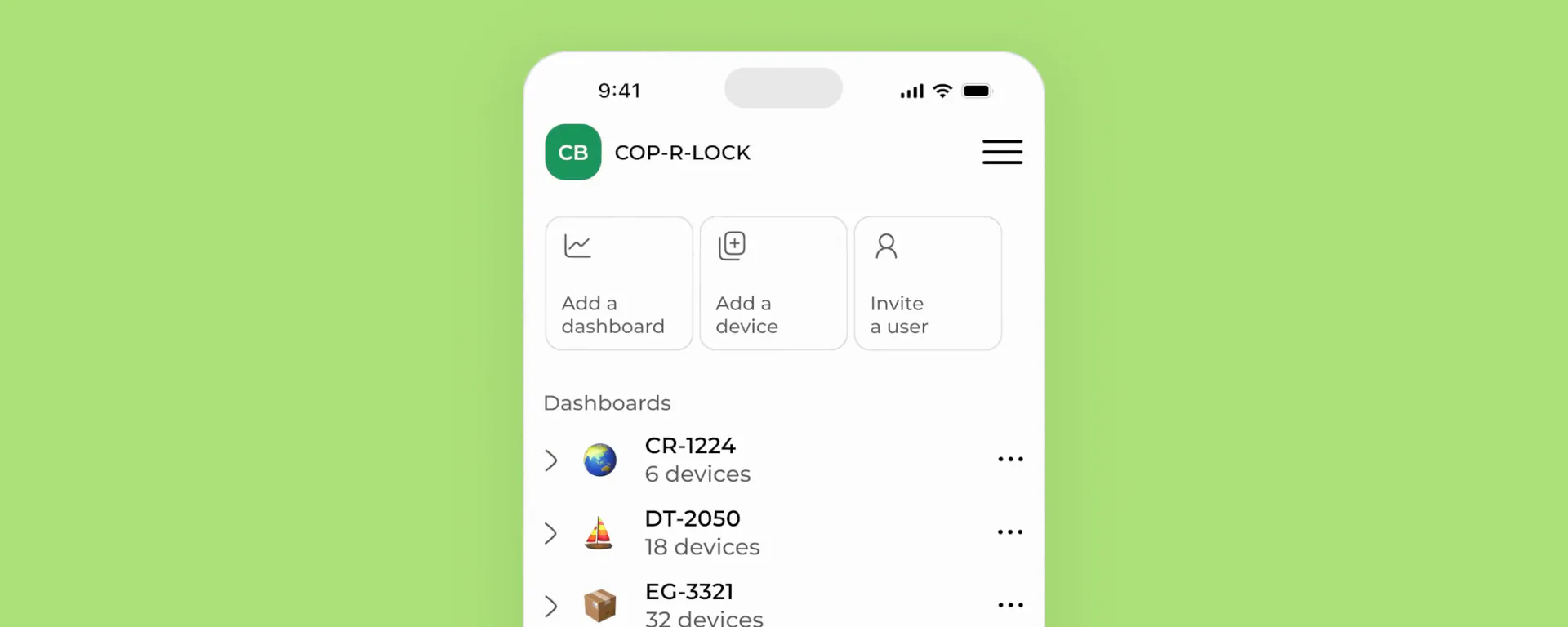
Getting started with Raylight
Turn a screenshot or a Figma paste into your first animated scene. A tour of projects, the canvas, layers, and the timeline.
Start lessonCore concepts
The four parts of the editor, and how they fit together.
 Editor
The canvas
Flat to work in, 3D underneath. The tools, layer depth, and turning edits into animation.
 Editor
Layers
The left sidebar: the File tree of every scene and layer, multi-select and grouping, and the Assets library.
 Editor
The timeline
The whole video as scenes, and one scene up close with its layers, camera, and audio.
 Editor
Design and Animate
The right sidebar: Design for how a layer looks, Animate for how it moves. Same layer, two views.
Guides
Camera moves, cinematic effects, exporting, getting paid, and every keyboard shortcut.