Build launch
videos in minutes
Product motion graphic videos that look like they cost $10k, made by you.
Every video above was made in Raylight.
No After Effects, just a browser tab.
Used by designers and marketers at
Design,
animate,
and share
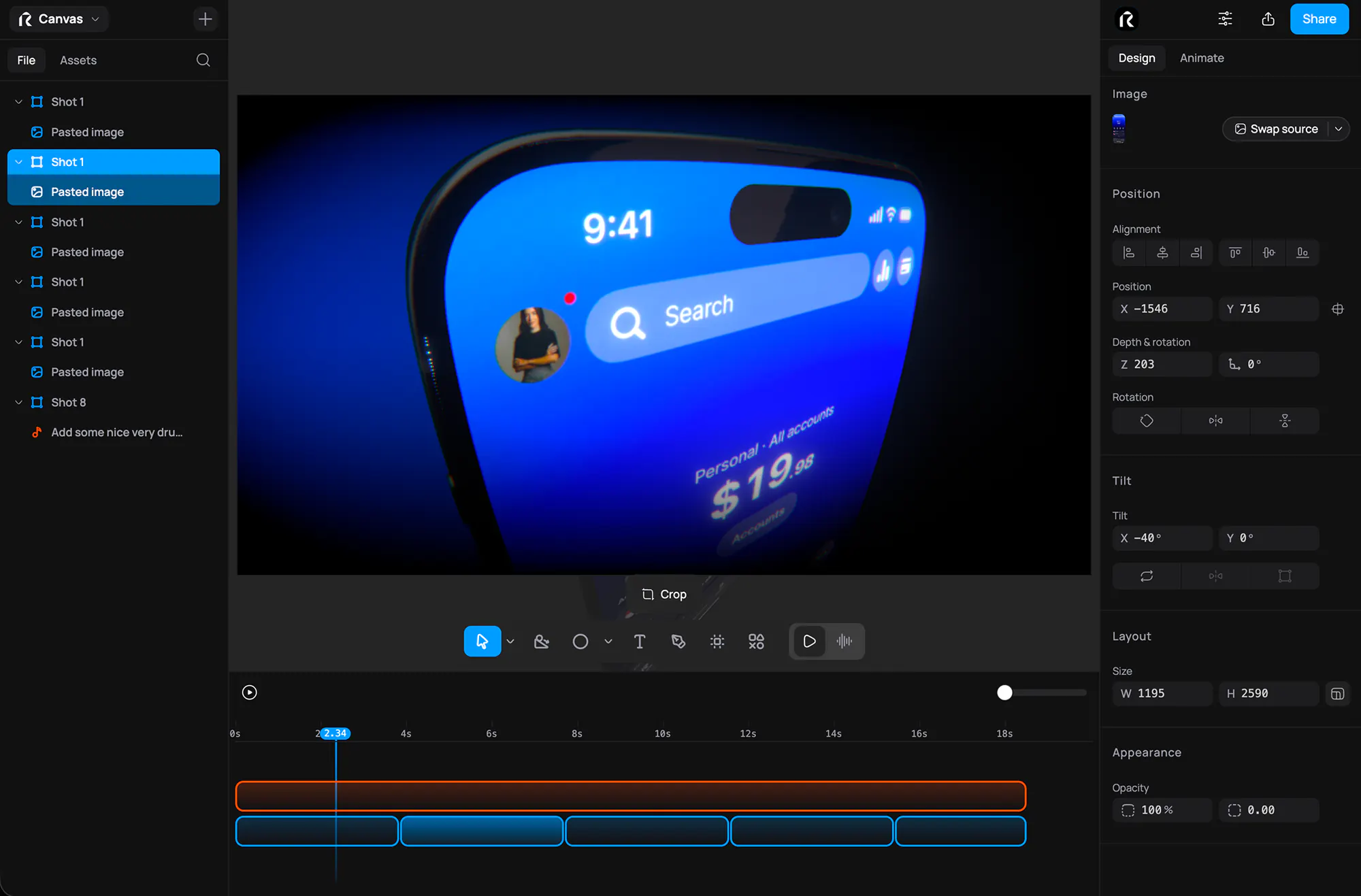
Design
Lay out every shot on a real canvas. Drop in product screens, text, and shapes, then snap, align, and group them with the precision of a design tool.
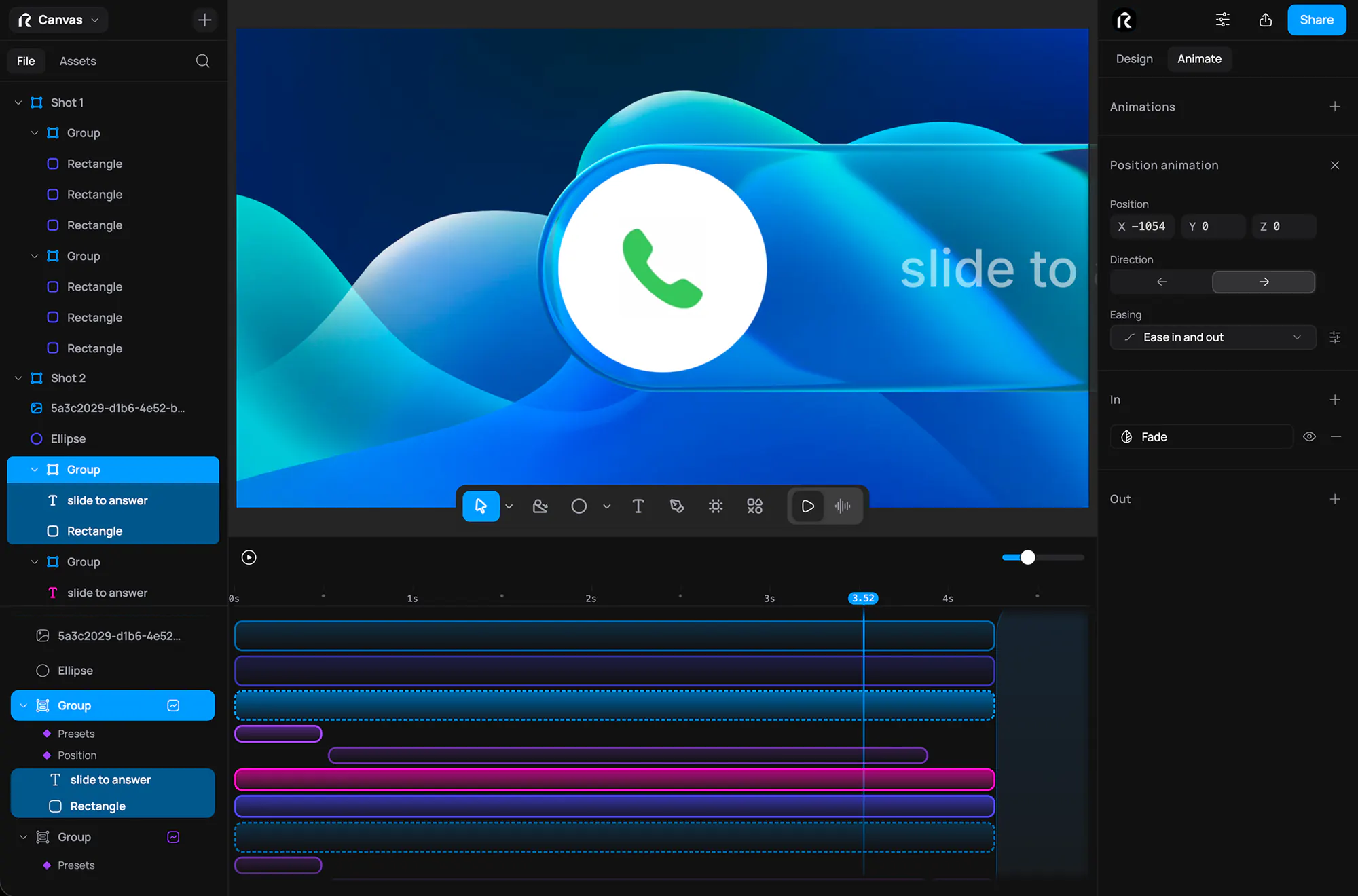
Animate
Skip the keyframe graphs. Add animation blocks to the timeline, drag their edges to set timing, and see your camera moves, focus, and bloom update live as you work.
Make mockups.
Bring your own AI.
3D mockups
Your screens on a real iPhone, iPad, or MacBook. Tilt the device, move the light, and export stills at any size.
MCP server
Tell your AI what to change and watch it happen on your canvas. Works with Claude, Codex, Cursor, and Antigravity.



get_shot_details: Launch video, shot 2
> Make the headline slide up and add a slow push-in
apply_edits2 animations added
render_stillschecked 3 frames
Done. The headline slides up and the camera pushes in slowly.
Pro tools,
no learning curve
Live Share
Send one link and reviewers scrub your animation as it plays, their cursors moving live on the canvas.
3D Tilt
Lean a flat UI screenshot back into the frame for instant depth, by tool or exact angle.
Animations
Pick a one-click entrance like Fade or Typewriter, then draw your own easing curve on any property.
Effects
Shallow depth of field and bloom give every frame a film-grade finish, and rack focus mid-shot.
Flexible Layouts
Drag a layer and smart guides snap it to neighbors, edges, and the spacing of nearby layers.
Timeline
Skip the keyframe graphs. Drag a block onto a property lane and stretch its edges for duration.
Camera Moves
Set two framings and get a smooth, arc-free move between them, as a 3D dolly or a flat zoom.
Paste from Figma
Copy as SVG in Figma and paste. It lands as real layers, text still editable and shapes still filled.
Meet the fastest way to ship beautiful product videos.
Voiceover
Pick a voice, write your script, and get narration that sits right in the mix.
Sound Effects
Describe the sound you want to hear and drop the generated take straight onto the timeline.
Shoot bold.
Ship fast.
