Build better
mockups in real 3D
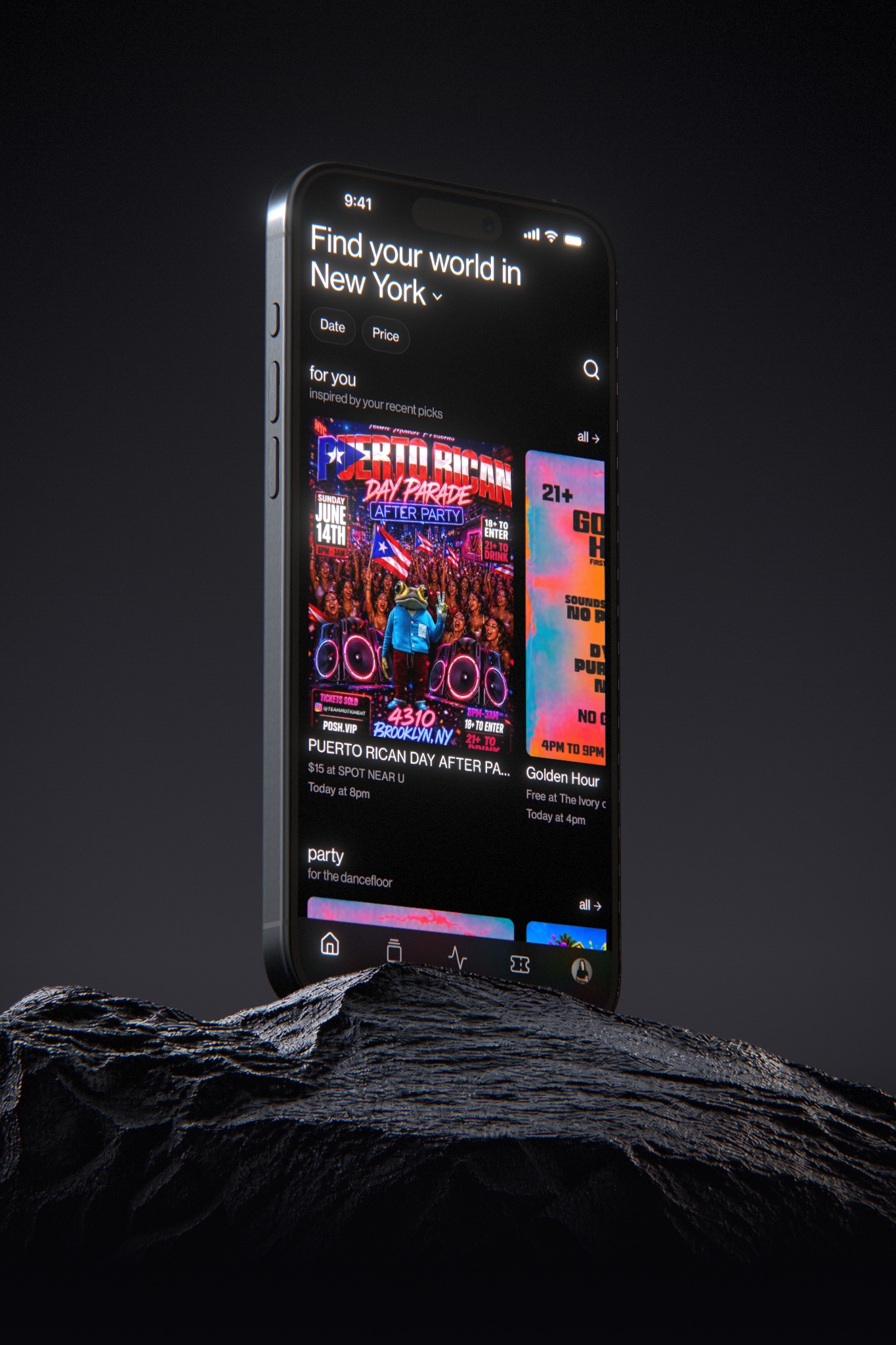
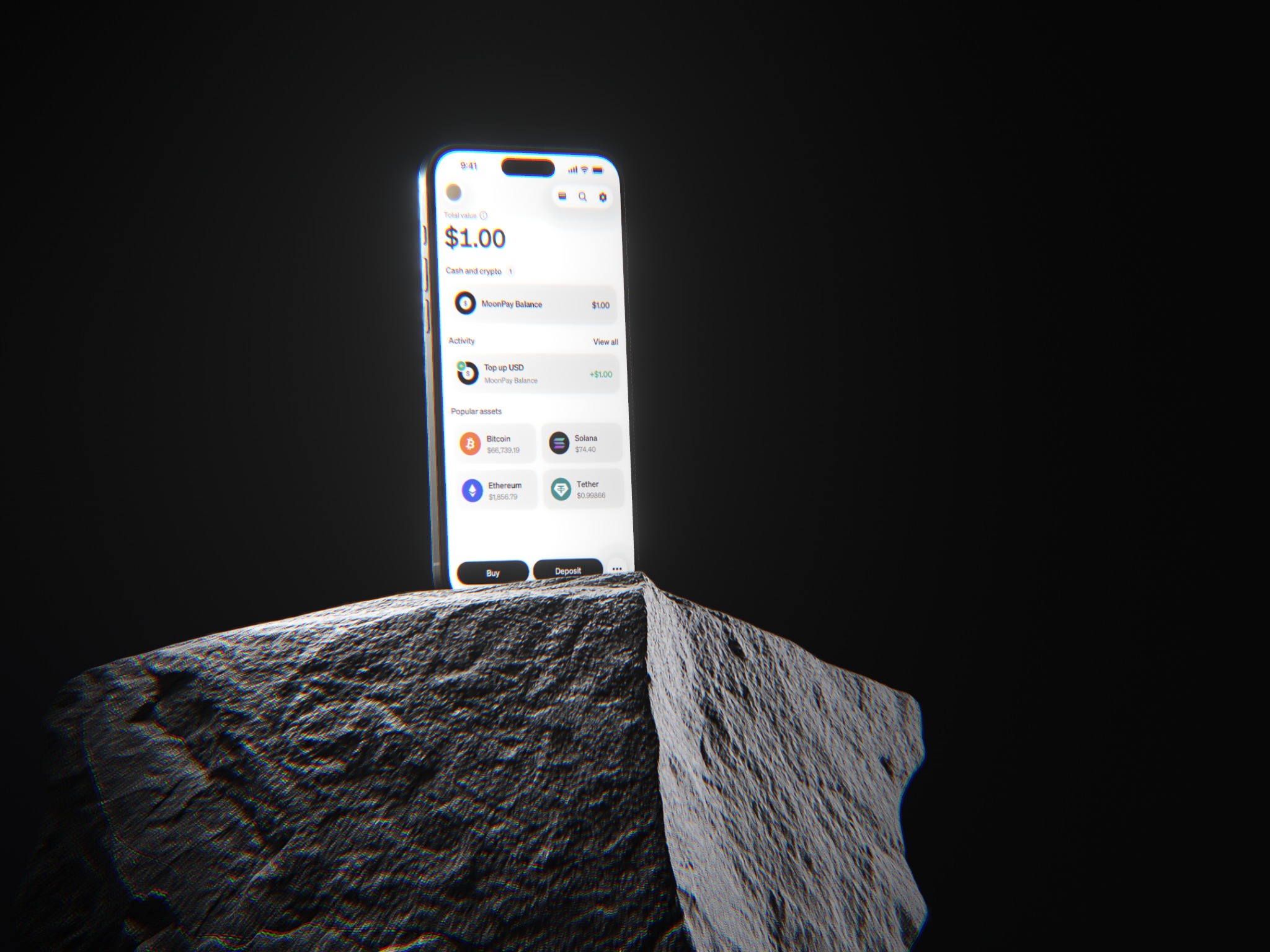
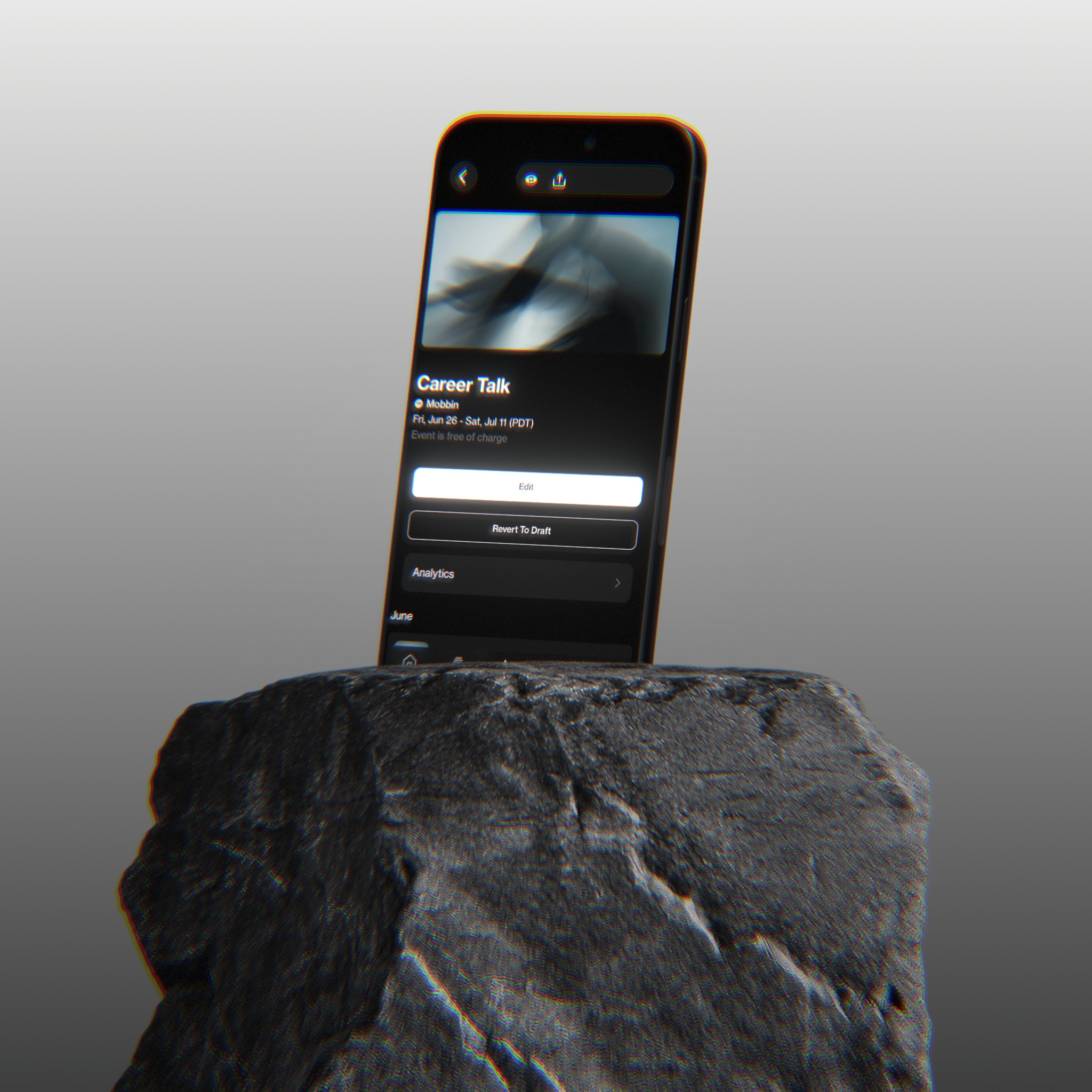
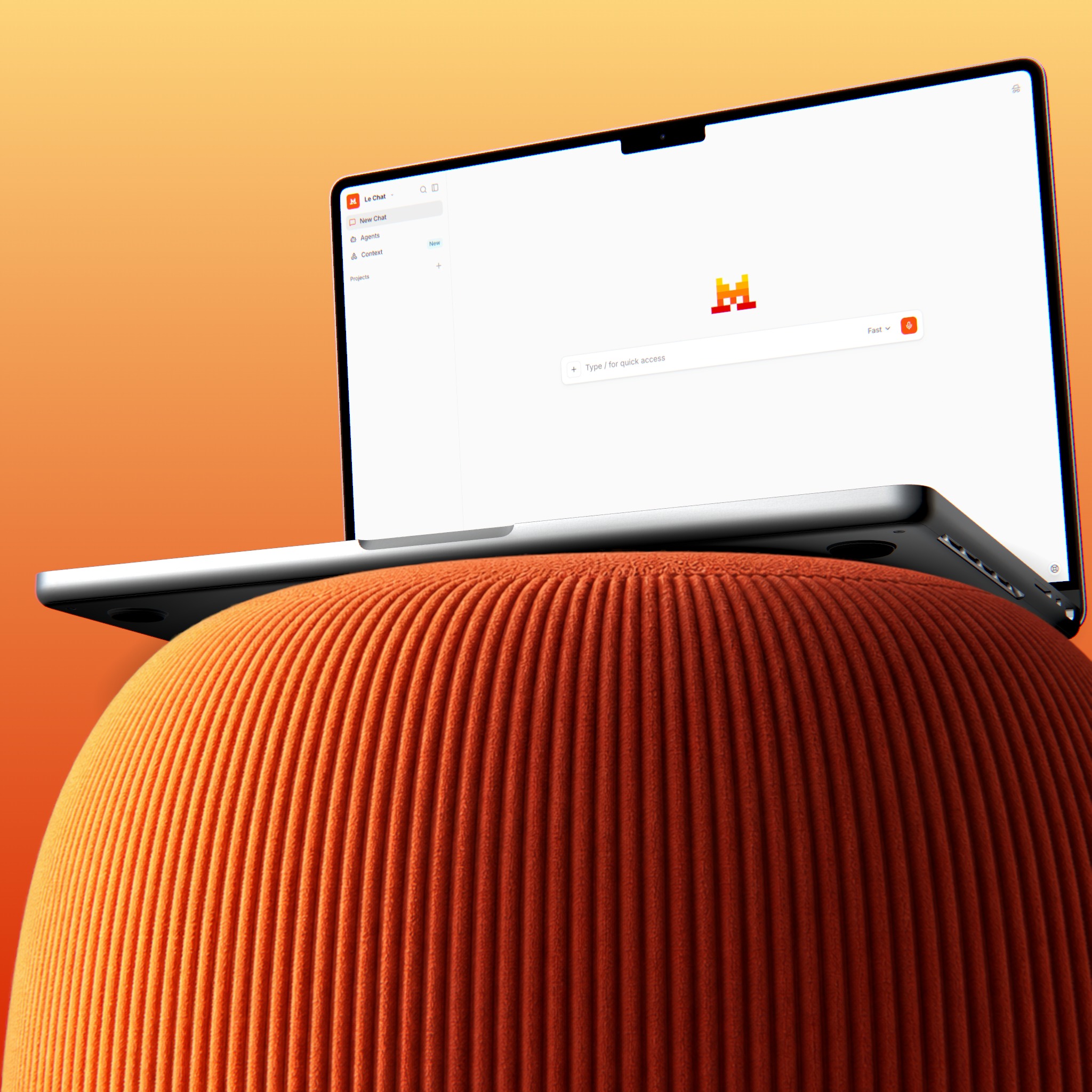
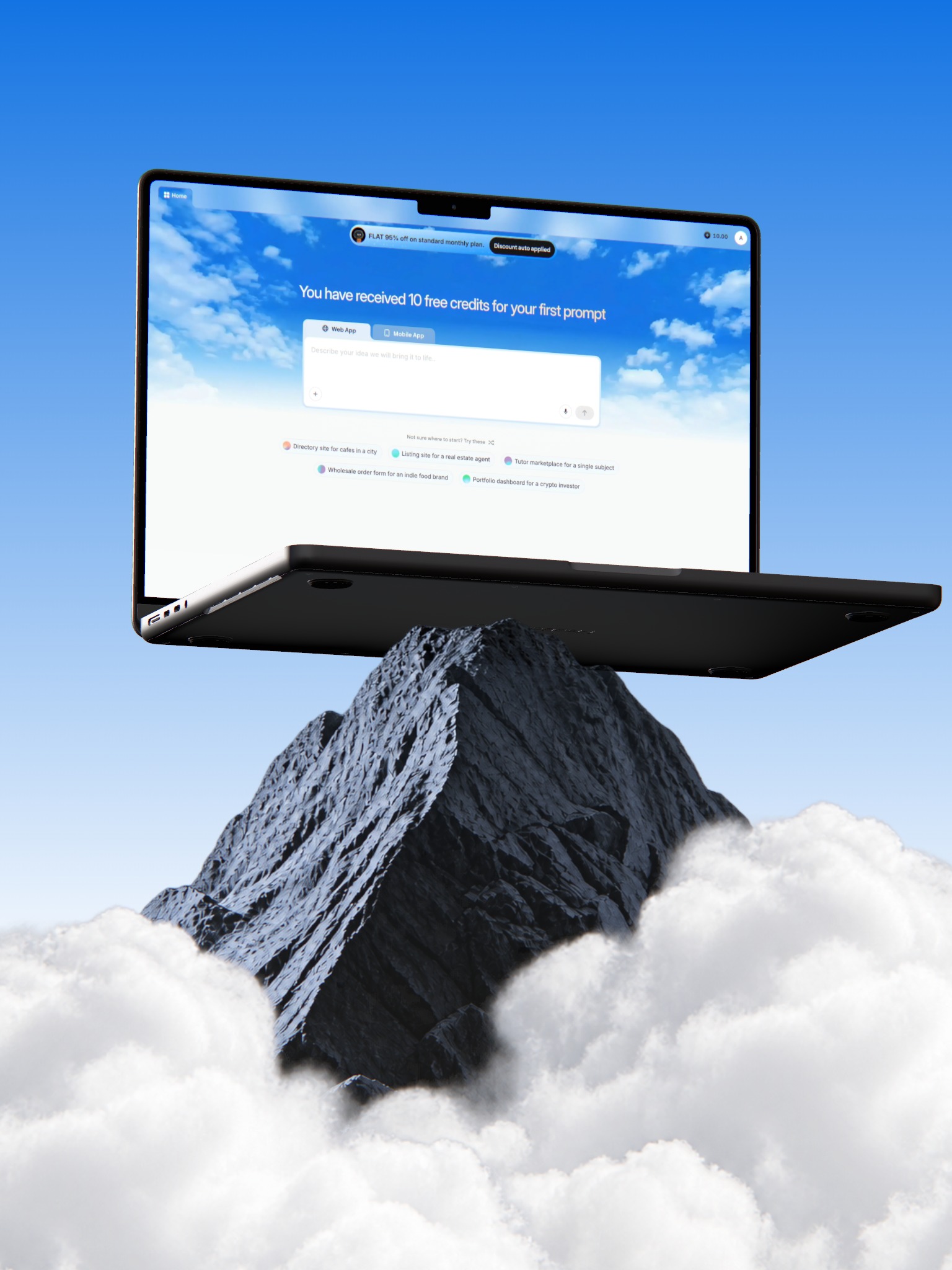
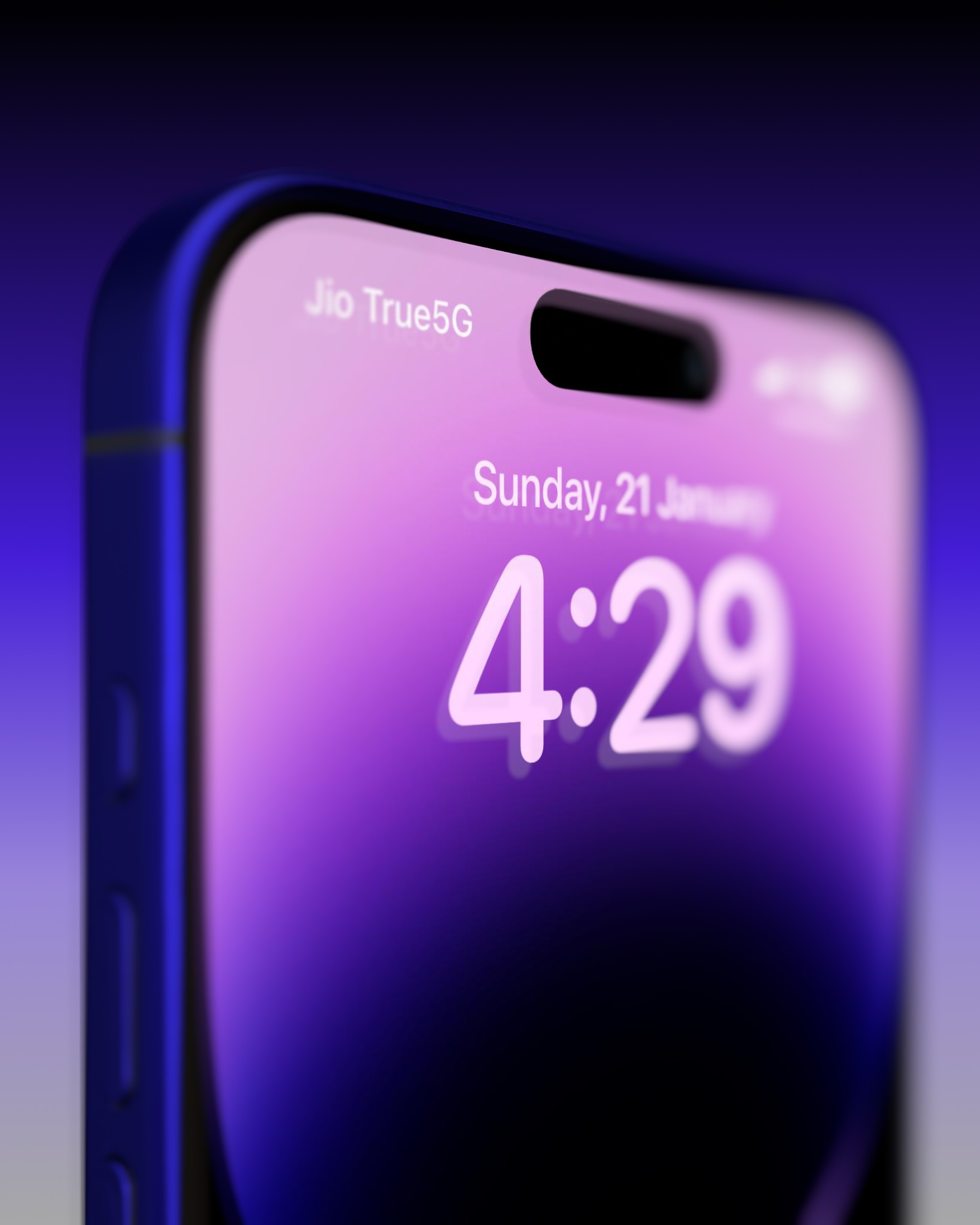
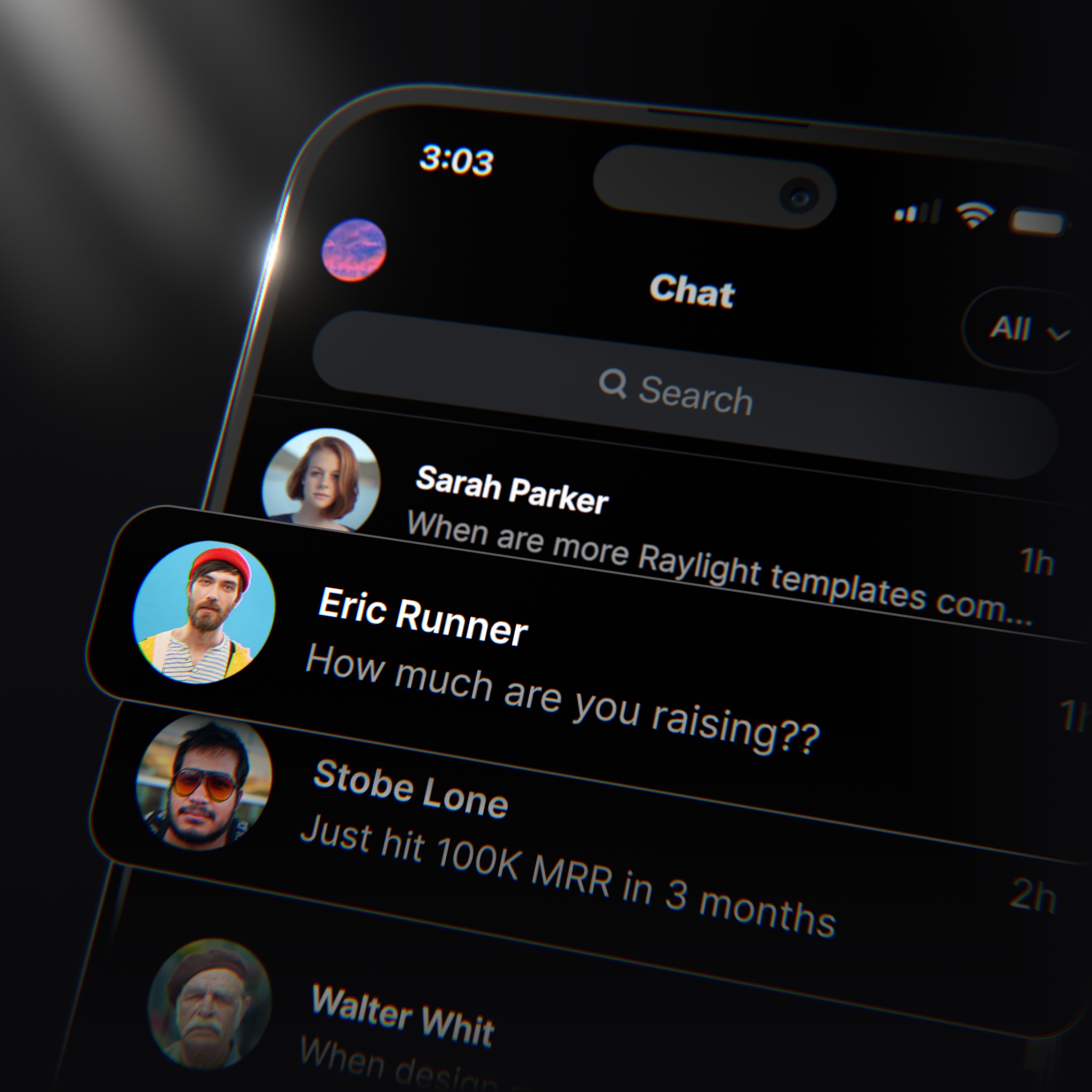
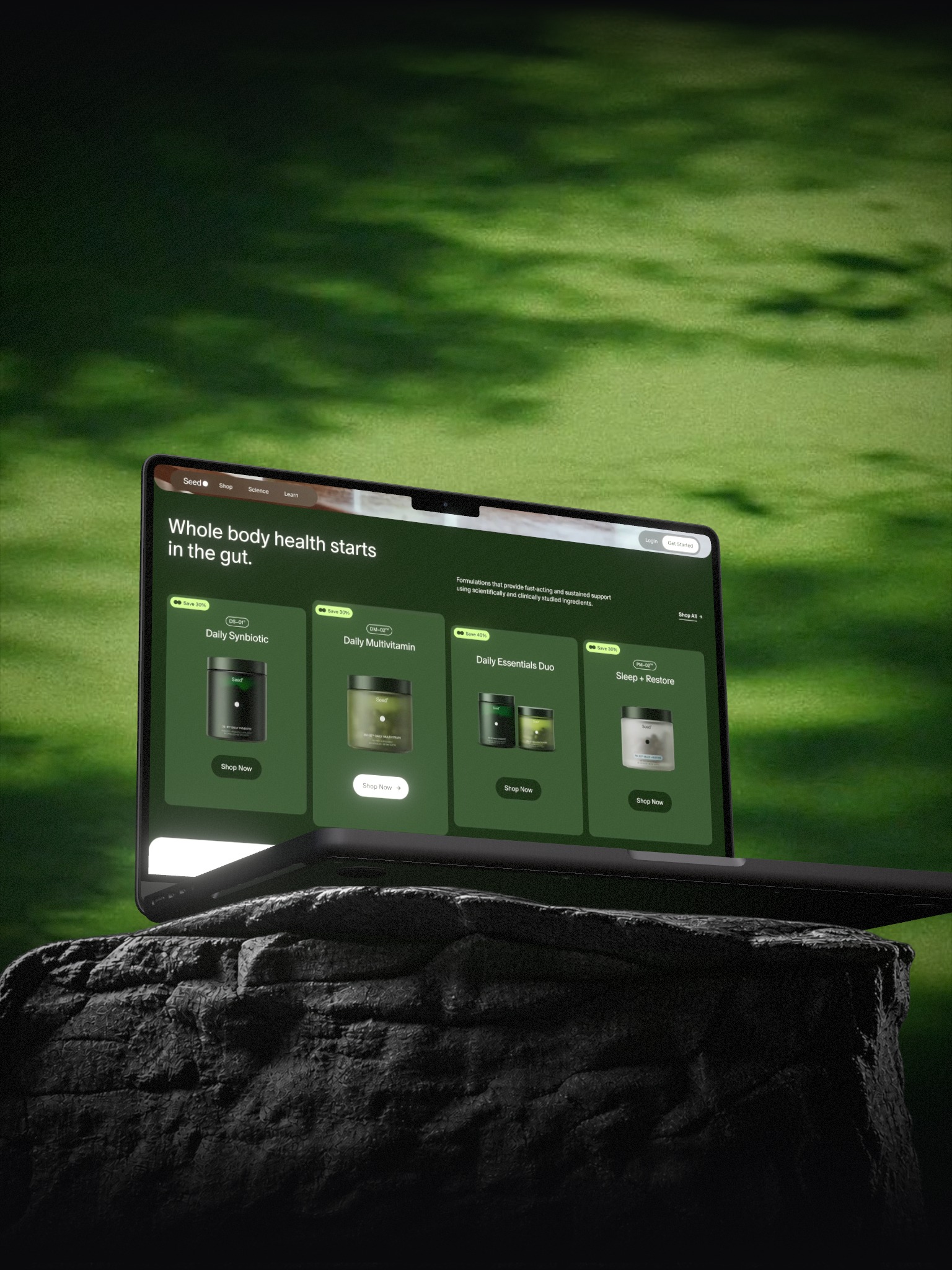
Drop your screens on a real iPhone, iPad, or MacBook. Tilt it, move the light, export at any size.

Used by designers and marketers at
Design,
collaborate,
and share
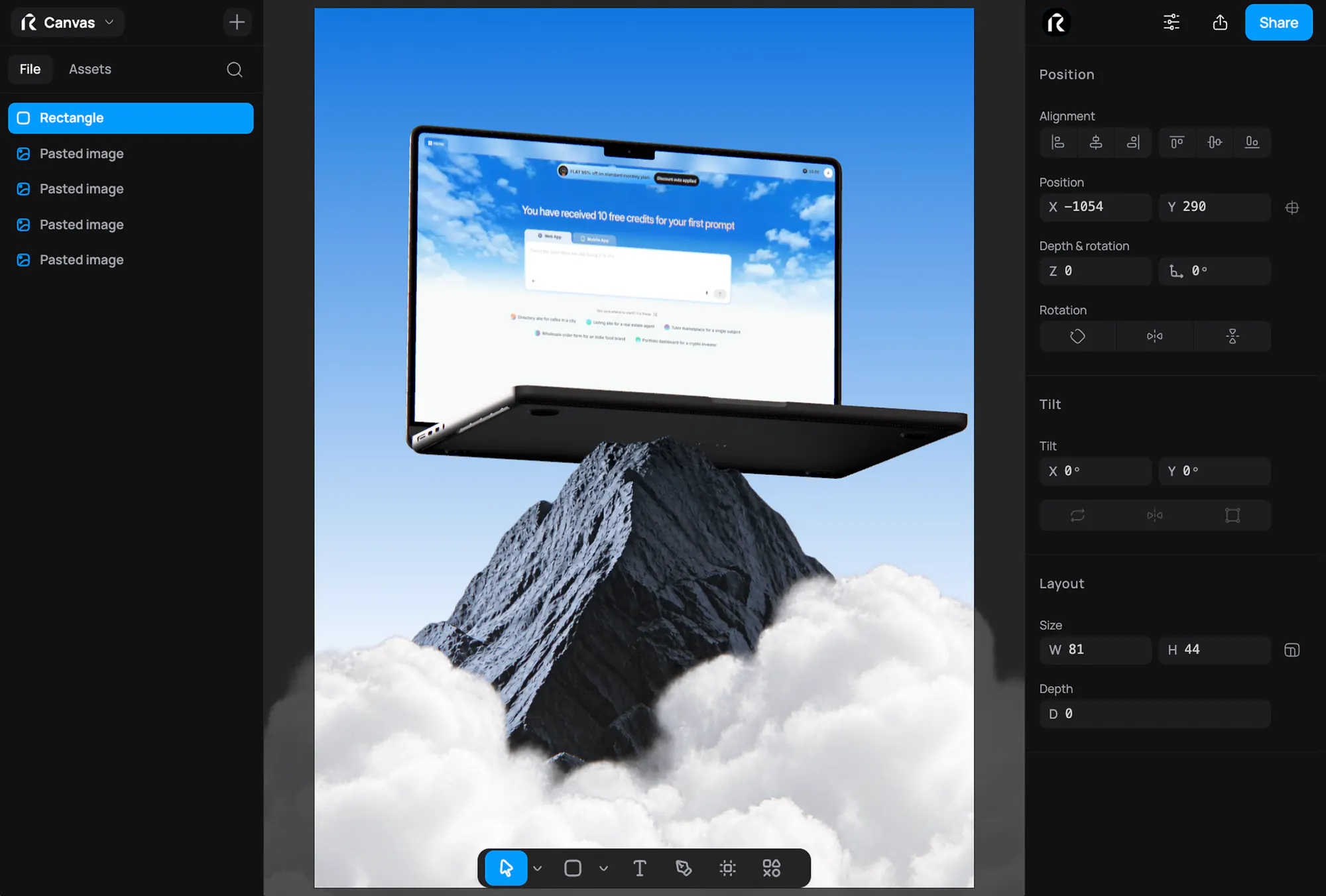
Design
Lay out the shot on a real canvas. Drop in your product screens, then tilt the device, move the light, and snap everything into place with the precision of a design tool.
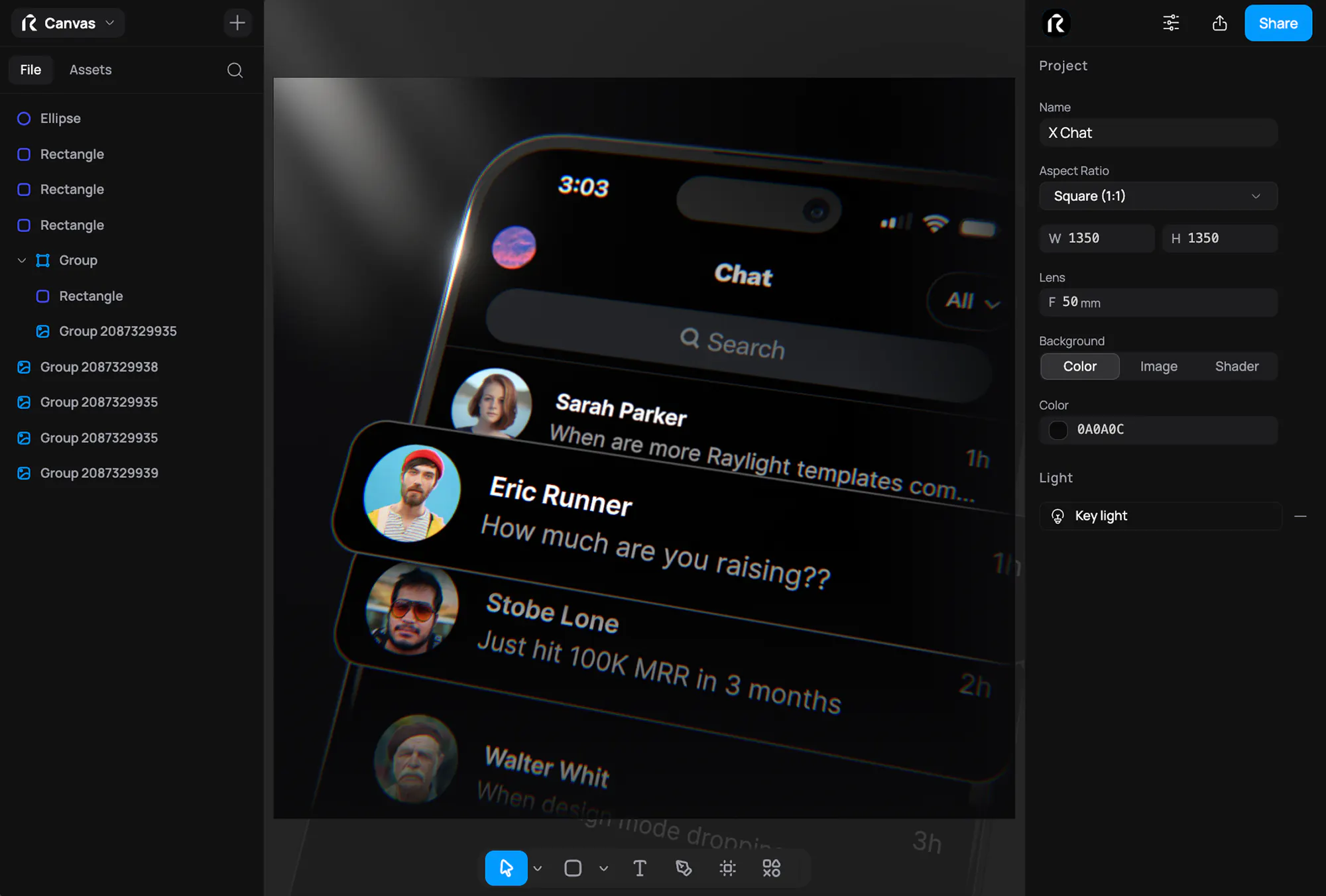



Collaborate
Send a link and build the shot together. Everyone's cursors and changes show up live, so feedback lands in the file instead of a thread.
Change everything,
not just the screenshot
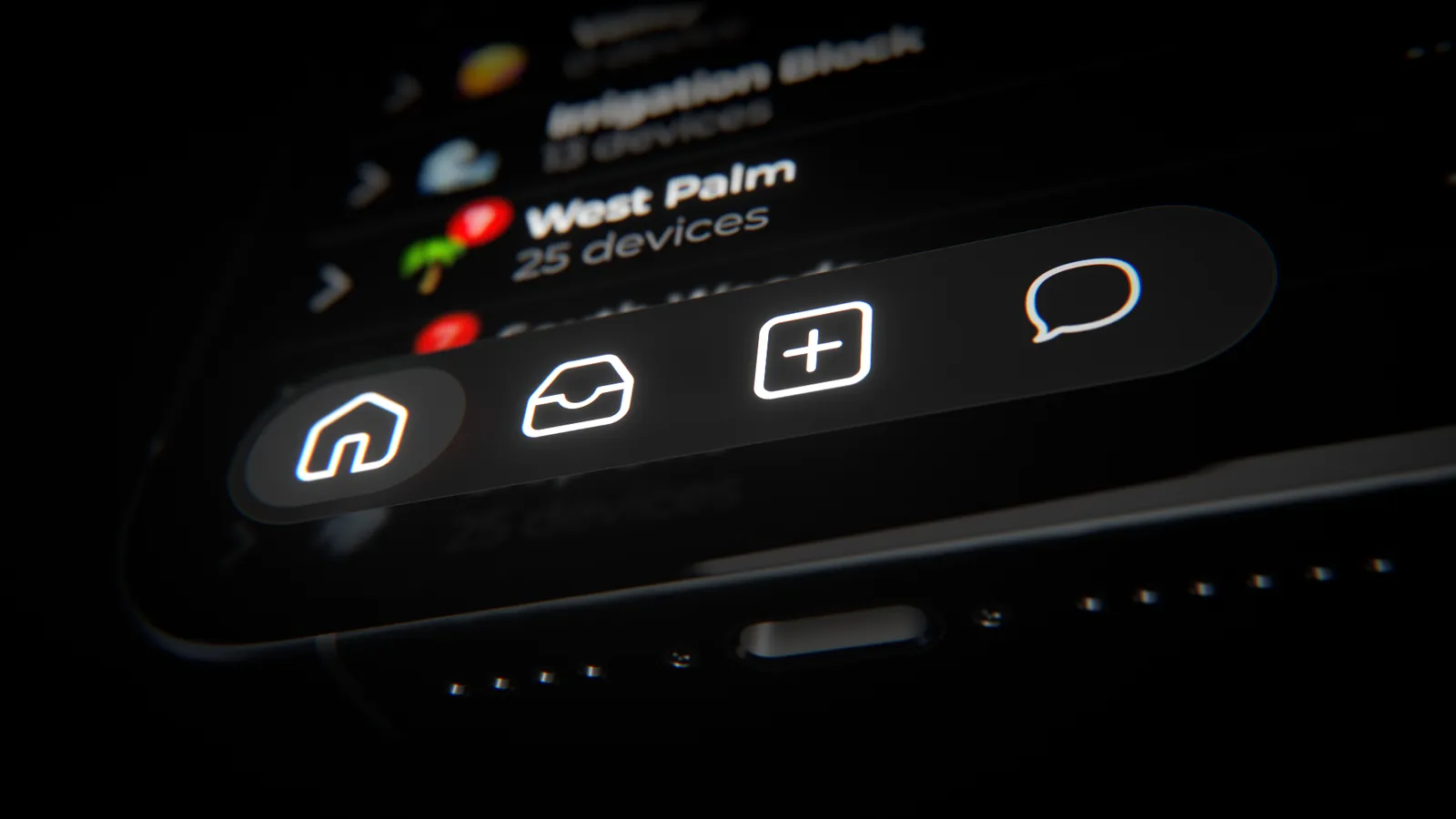
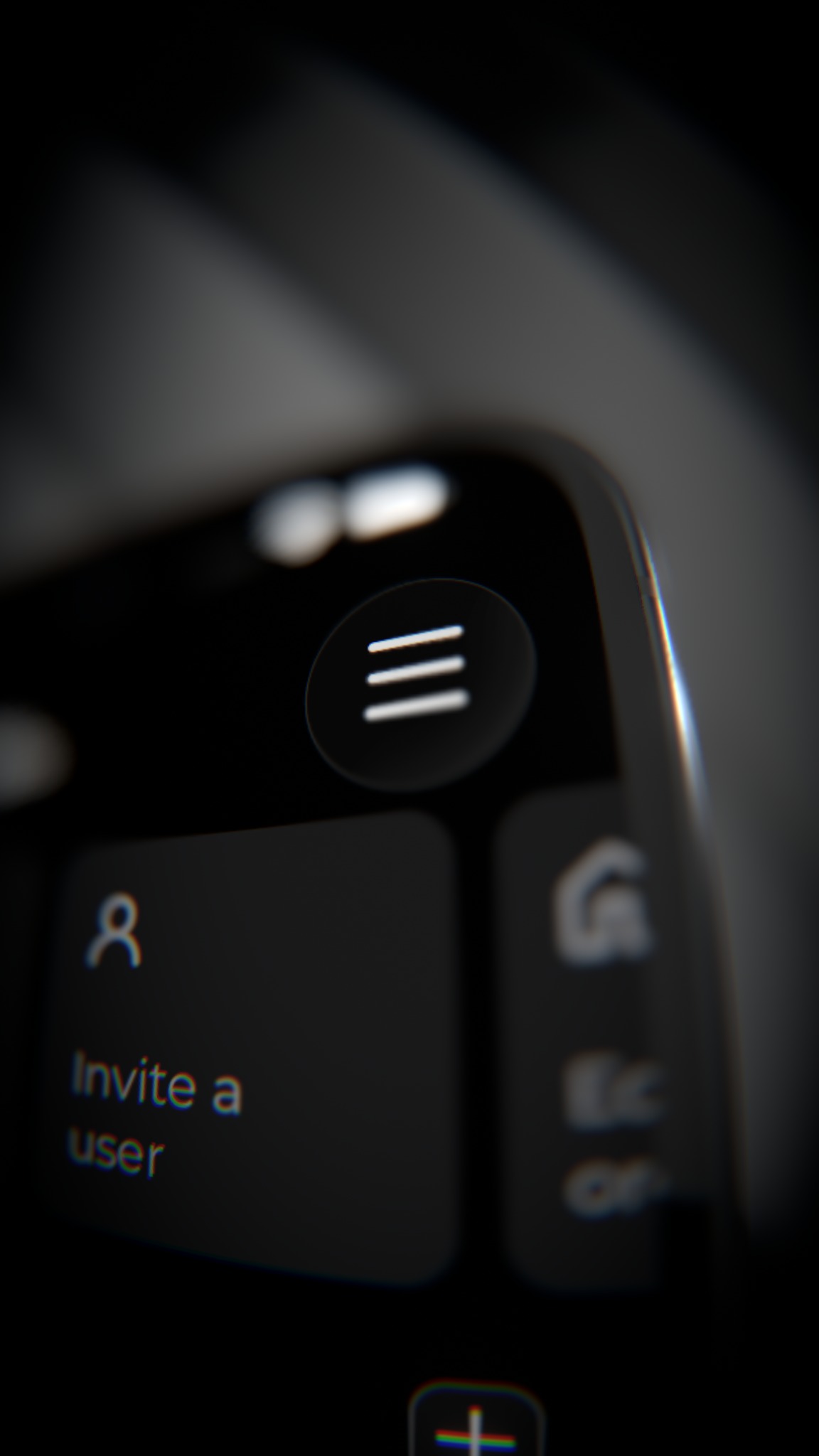
Device Frames. Wrap a screenshot in a real iPhone, iPad, MacBook, or browser. Tint the body any color, set the gloss, open the lid.
Materials. Give shapes, paths, and text real depth, then pick a finish: matte, clay, glossy, metal, or glass that bends what sits behind it.
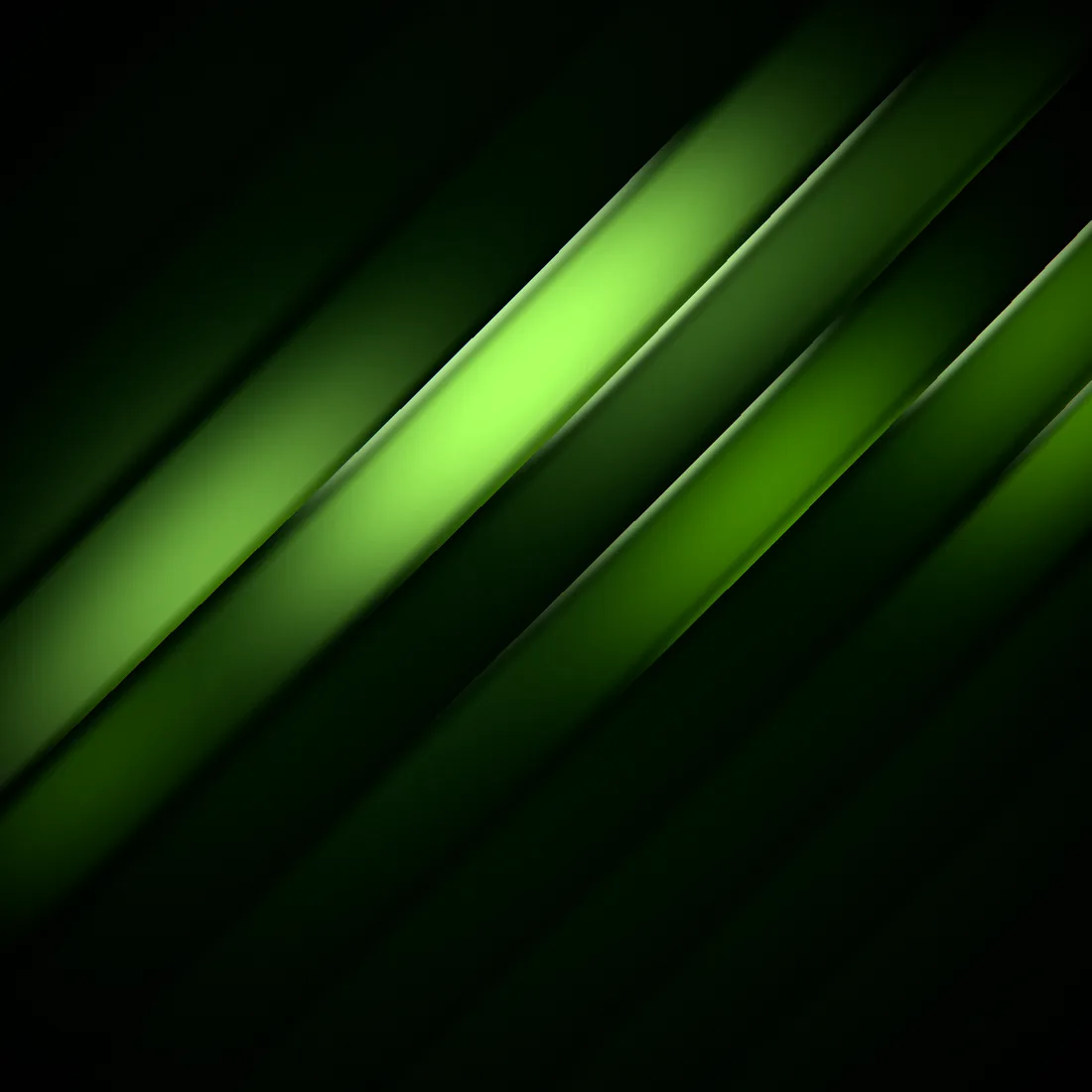
Backgrounds. Shader, image, color & custom backgrounds, Silk to Mesh Gradient, in your own colors. Or keep it to a solid, a gradient, or an image.

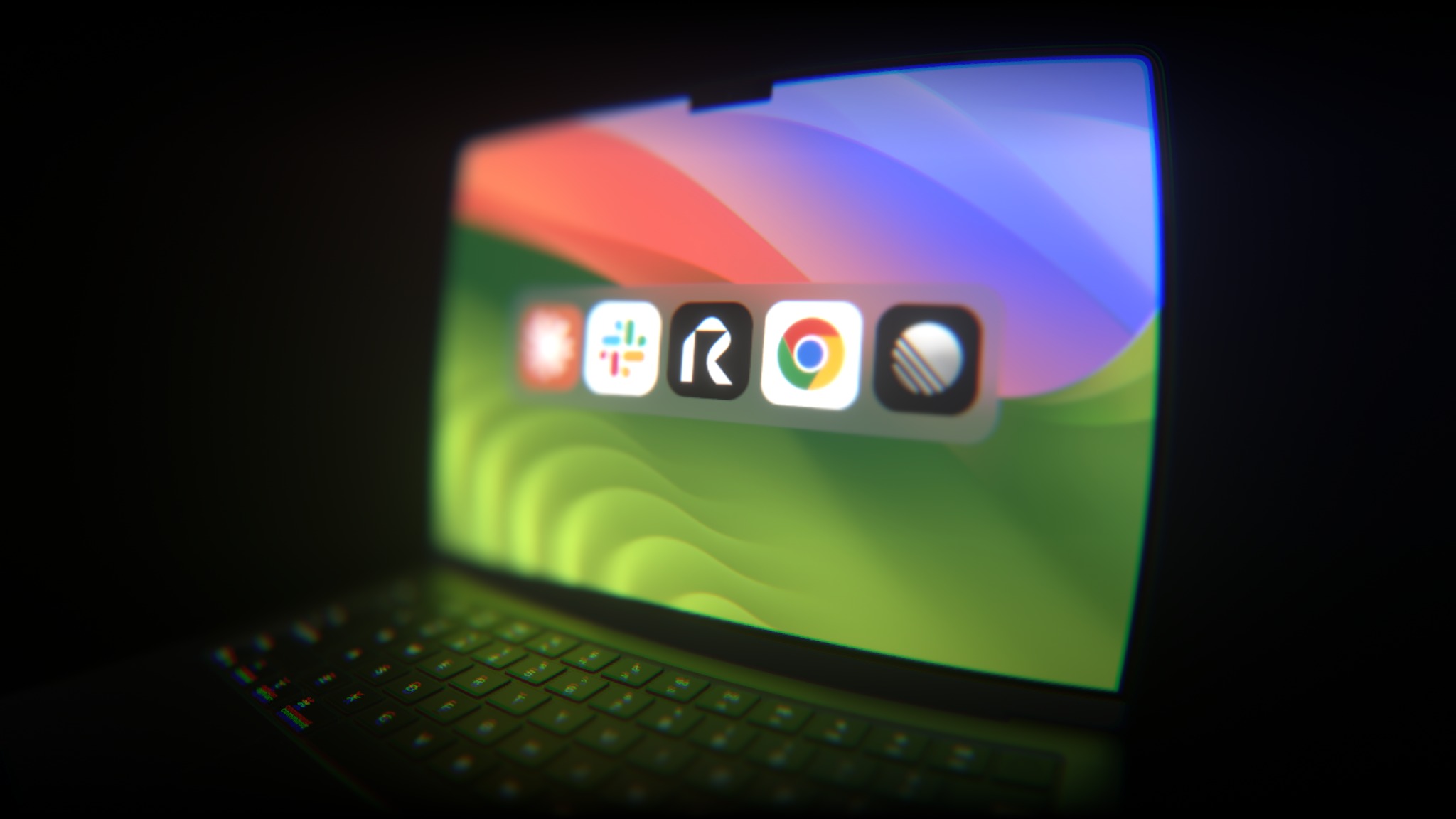
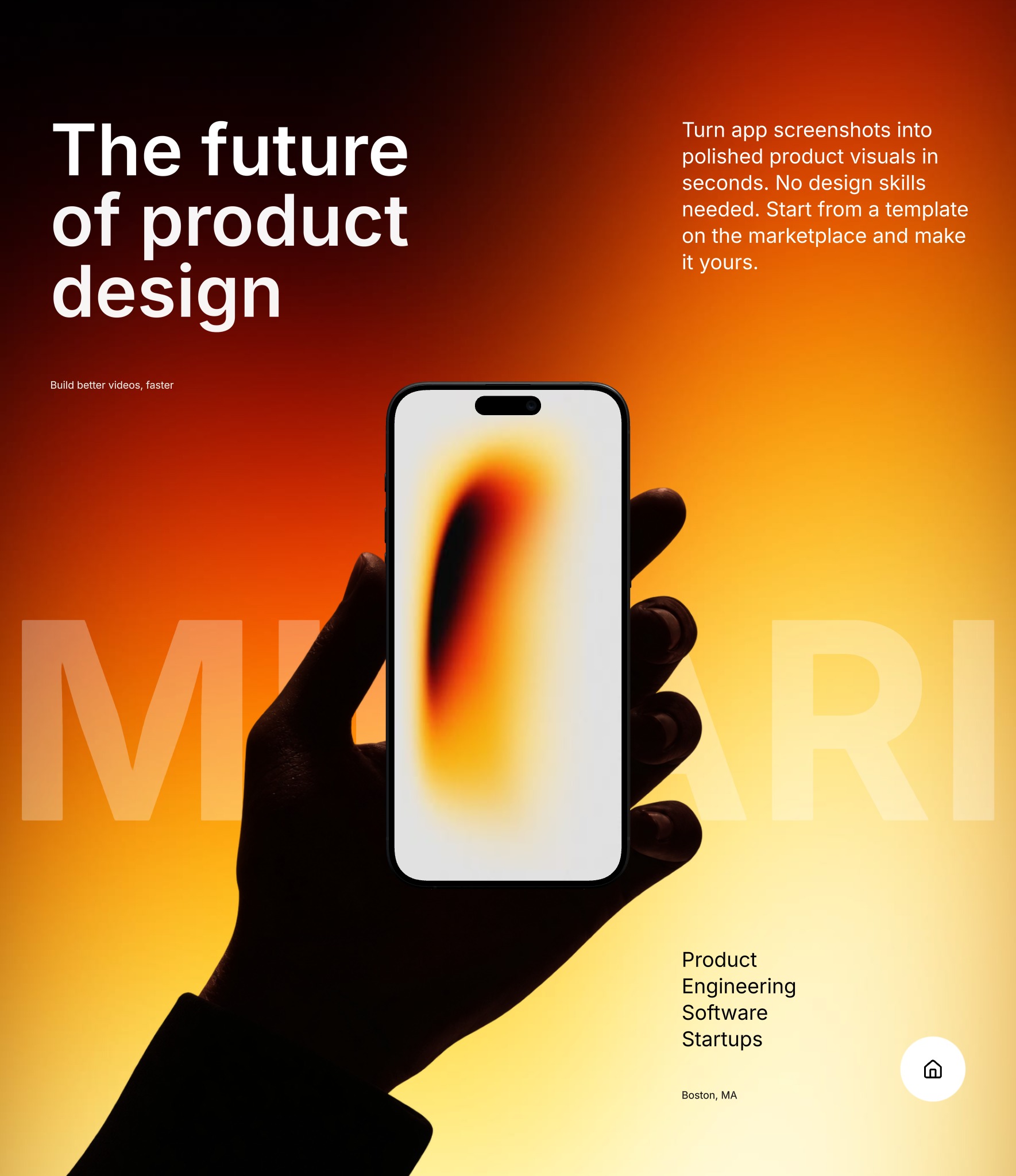
Key Light. One light you place anywhere in the scene. Power, color temperature, and ambience, so a flat screenshot reads like a photograph.
Shoot bold.
Ship fast.
