Vertical video templates for Reels, TikTok, and Shorts
Every template on this page is built at 9:16, so the framing, type sizes, and camera moves are designed for a phone screen instead of cropped down from widescreen.
Use them for product teasers, feature drops, and launch countdowns on Reels, TikTok, and Shorts.
Vertical templates
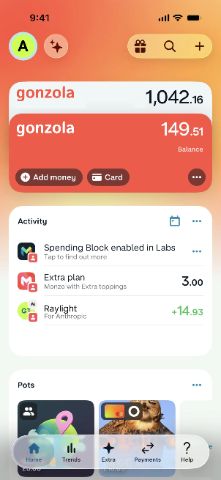 Fast, secure & reliable19s·Used 1355 times
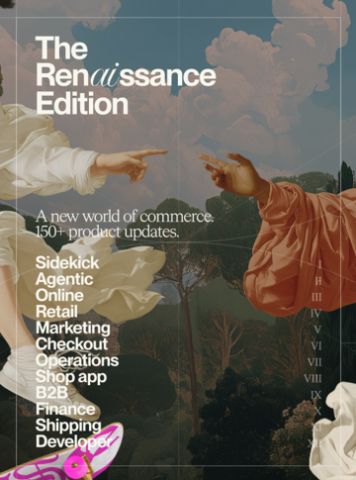 Image slide17s·Used 1024 times
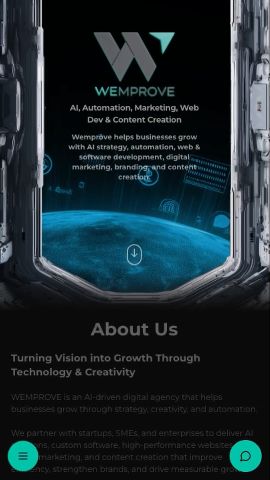 Website Mobile ResponsiveA mobile version demo of a website30s·Used 614 times
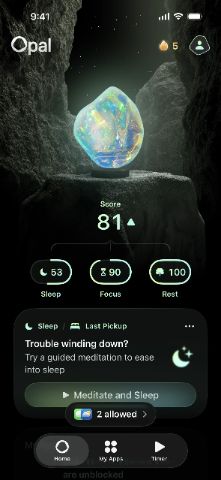 Cyrstal. See the future.28s·Used 556 times
 RL Logo entrance6s·Used 475 times
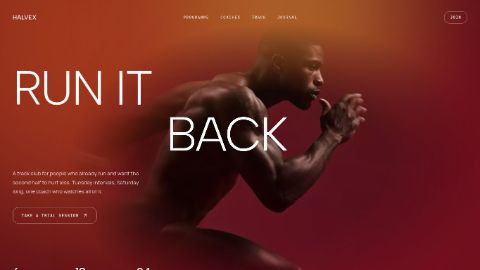 Dev Tool Launch ReelA short vertical promo for developer tools and SaaS products. Opens on a
claim, cuts into a screen recording, lands on the product mark and one call to action. Type-led, no stock footage, no filler.14s·Used 432 times
 Slot Roll to Image WallAn 18 second vertical reel for a product with a long feature list. A navigation menu rolls past like a slot machine and comes to rest on the one entry you want remembered. The camera pushes into it, a wall of your own images drifts by, and one of those images grows into the closing frame behind your name and your line.
Swap in your own menu entries and icons, your own images and your own voice-over. Made for product launches, app releases and library announcements. 1080 x 1920, reads with sound off.18s·Used 364 times
 Prompt button pressTilted prompt button click with animated mouseUsed 327 times
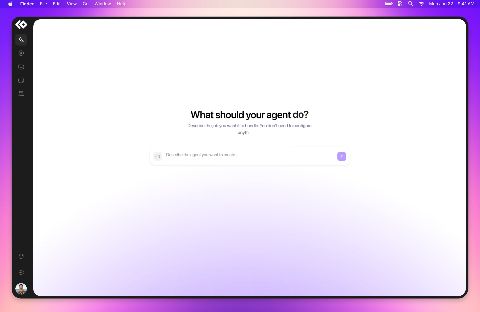 Desktop app presentationA presentation motion prototype for an AI assistant desktop app, featuring smooth wide and telephoto camera movements, dynamic focus transitions, and cinematic camera motion to showcase the product experience.20s·Used 324 times
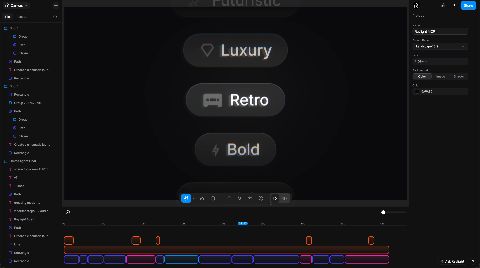 Raylight MCP social promoPromo video made showcasing the Raylight MCP server designed to be posted as short form content on Intagram, TikTok, etc...
Music and voiceover generated in Raylight53s·Used 311 times
 Ant-man11s·Used 274 times
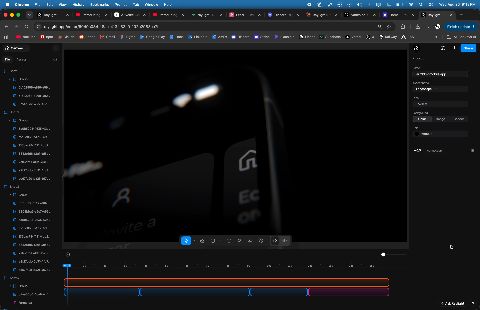 Social media promoPortrait video for showcasing your product on social media. It has faster cuts, lots of camera movement and more.
The music and voiceover was generated in Raylight.54s·Used 208 times
 How to click4s·Used 206 times
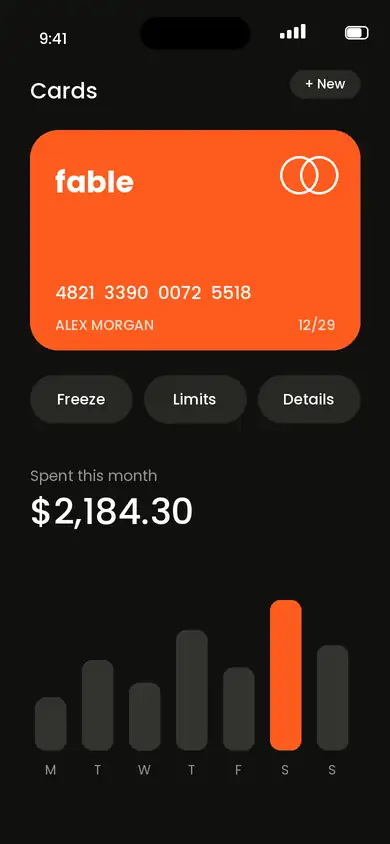 Fable Pay: Finance App Launch - ( w/ ElevenLabs voicover as placeholder)A 9:16 finance app launch built to swap in your own product. Tilted 3D iPhone frames, liquid-glass feature chips, a count-up proof shot and a download button, with tactile sound design and ambient bed already timed. Replace the screens, the brand name and the copy, and it’s ready to post.
Audio Disclaimer: The preview uses placeholder voiceover generated with the ElevenLabs Free Plan. It is for demonstration purposes only and is not licensed for commercial use. Before commercial use, replace it with your own appropriately licensed voiceover.20s·Used 198 times
 Math tekk11s·Used 145 times
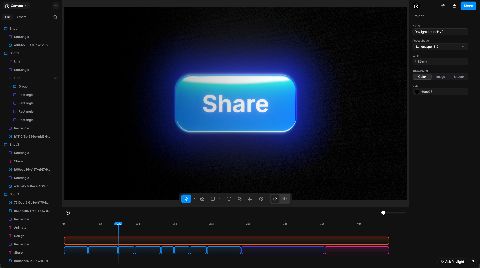 Raylight social promo 230 seconds social media tutorial on how easy it is to create product videos in Raylight.
Voiceover, music, and SFX made in Raylight.27s·Used 115 times
 mohamad ssrr30s·Used 104 times
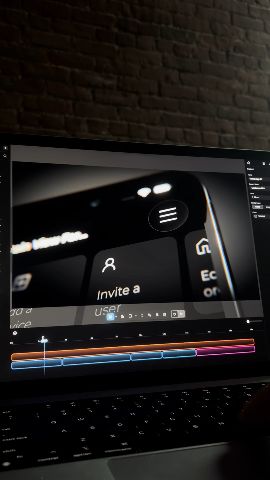 Social 3D tutorialTutorial for creating a 3D product shot in Raylight35s·Used 104 times
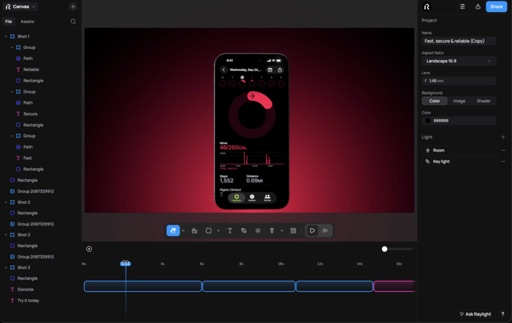 Social promo 843s·Used 82 times
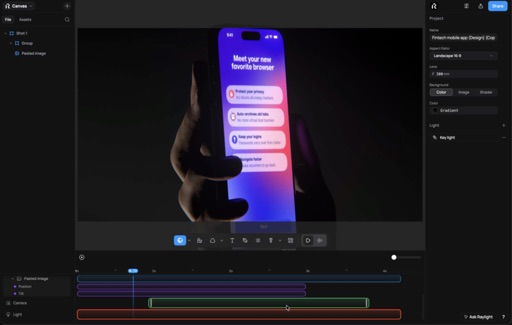 Social promo 1041s·Used 78 times
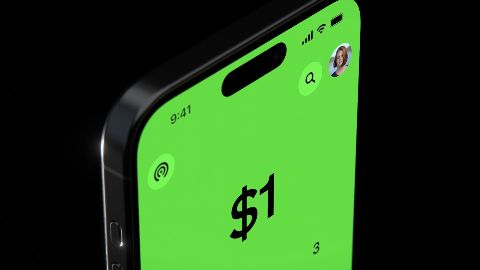 Social promo 942s·Used 66 times
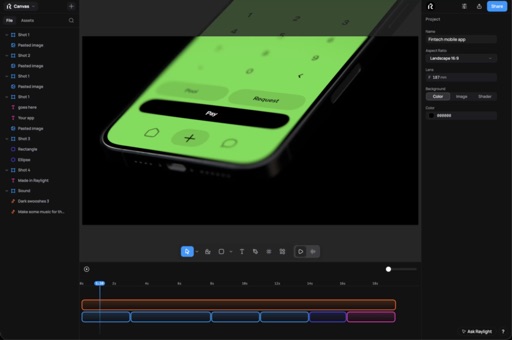 Social promo 645s·Used 64 timesBlue lights6s·Used 55 times
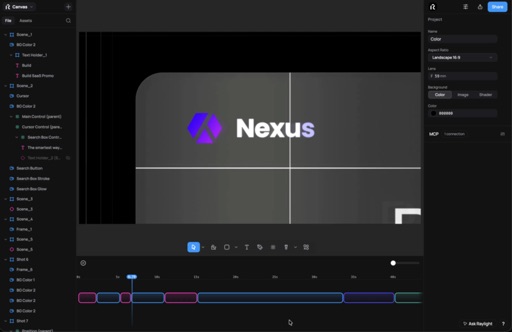 Free templates26s·Used 51 timesCounds flipping18s·Used 47 times
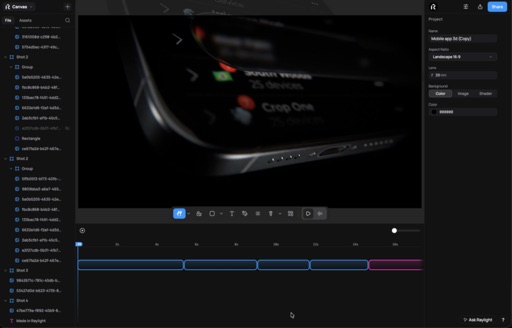 Social promo 1442s·Used 43 times
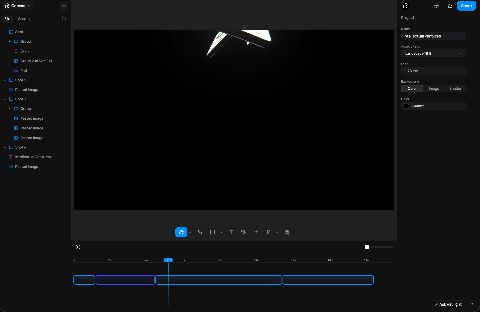 Social promo 1543s·Used 29 times
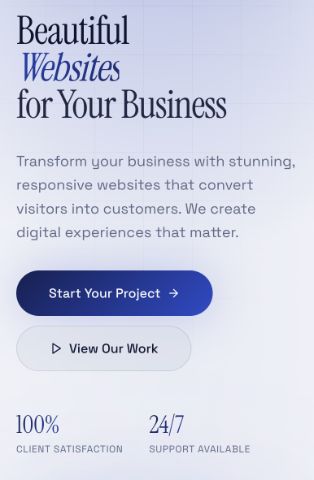 Ondive CollectionsFollow my instagram @sitesbyamin17s·Used 19 times
Built vertical, not cropped
Cropping a widescreen video to vertical usually cuts the product out of frame. These templates were composed at 9:16 from the start, so the product and the type sit where a phone screen expects them.
Frequently asked questions
- Are these templates free?
- Most are. Free templates open straight in the editor; a few creators sell premium templates, and those show a price. Exporting is included on the free plan at 1080p with a small badge, and paid plans export up to 4K without it.
- Do I need After Effects or any install?
- No. Raylight runs in the browser. Open a template, swap in your own screenshots, copy, and colors, and export MP4 or GIF from the same tab.
- Can I turn a widescreen template into a vertical one?
- Yes. Switching a project's aspect ratio in Raylight keeps the scene and changes the lens, so the shot reframes instead of stretching. Some compositions still need a tweak afterward.
More template collections
Shoot bold.
Ship fast.
