3D iPhone and MacBook mockup animation templates
Static mockups show a product. Animated ones sell it. These templates put your screens on 3D iPhones and MacBooks, then light them and move the camera around them.
Drop your screenshots or screen recordings onto the device and everything else, the glass, reflections, shadows, and motion, is already set up.
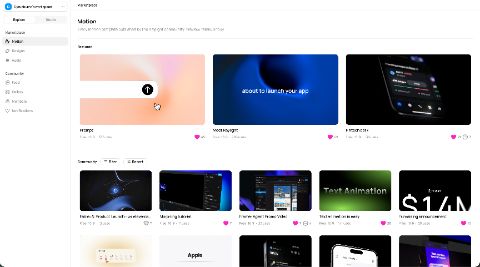
Device mockup templates
 Apple Devices TemplateFive devices, one word. APPLE, rebuilt from MacBook, iPhone and iPad, each showing Scannata Records artwork.
IB sanpa.motion on IG8s·Used 216 times
 iPhone 17 Pro Max LineupApple's newest iPhone 17 Pro Maxes in a lineup with a clean touch of purchase with FaceID.13s·Used 132 times
 MacBook templateMultiple MacBooks in different animations to show your brand.22s·Used 164 times
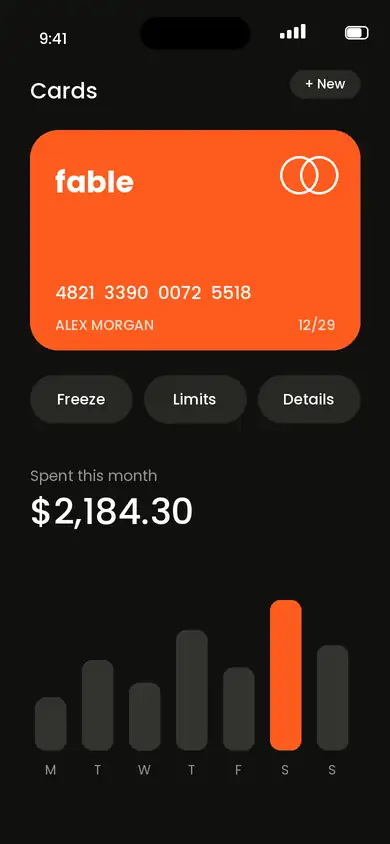 Fable Pay: Finance App Launch - ( w/ ElevenLabs voicover as placeholder)A 9:16 finance app launch built to swap in your own product. Tilted 3D iPhone frames, liquid-glass feature chips, a count-up proof shot and a download button, with tactile sound design and ambient bed already timed. Replace the screens, the brand name and the copy, and it’s ready to post.
Audio Disclaimer: The preview uses placeholder voiceover generated with the ElevenLabs Free Plan. It is for demonstration purposes only and is not licensed for commercial use. Before commercial use, replace it with your own appropriately licensed voiceover.20s·Used 198 times
 Framer Agent Promo VideoA short, 28-second promo video for Framer Agent. It shows a real prompt being typed, the agent making the change, and ends with a call to start building in Framer.
What’s inside:
A smooth intro with a text swap
A cinematic laptop demo with camera moves and focus that follows the action
A typewriter prompt that stays sharp so people can read it
Soft sound effects and background music
A clean closing shot with a shimmer effect
Easy to make your own: swap the screen recording for your own product, edit the captions, and change the colors to match your brand.
Made for marketplace usage, and not an official Framer video.29s·Used 65 timesText with Apple inspirationProduct release starter template with Apple inspired branding, and text animations in a classic & smooth way.11s·Used 2168 times
 Apple To-Do List TemplateA smooth, premium product demo: upload, type, add a task, watch your list come alive and end on your logo.
Credit to noahvsl on IG.17s·Used 98 times
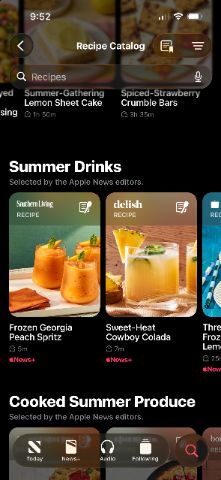
 Apple News+This is a remake of an Apple News+ commercial. Recreated to show what's possible in Raylight. All credit for the original design goes to them.
It showcases some uses of core motion design techniques like:
- Clipping content
- flipping card transitions
- Text animations
This template is fairly complex. Enjoy!30s·Used 5002 times
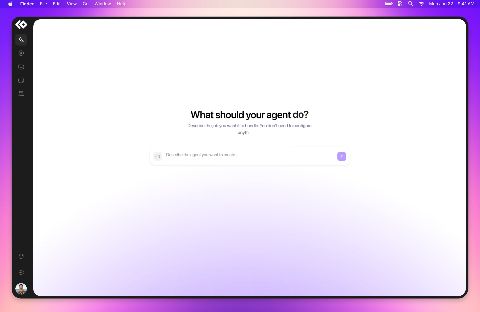 Desktop app presentationA presentation motion prototype for an AI assistant desktop app, featuring smooth wide and telephoto camera movements, dynamic focus transitions, and cinematic camera motion to showcase the product experience.20s·Used 324 times
 Notification Animation - Joseph LaurianoFollow me please! :)12s·Used 137 times
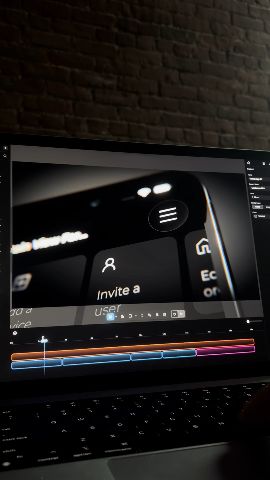 Social 3D tutorialTutorial for creating a 3D product shot in Raylight35s·Used 104 timesUNBUILTTurn plans into presence.
UNBUILT is an architectural motion template that transforms a single point into a line, a plan, a structure, and ultimately a place.
Built natively in Raylight using editable layers, spatial depth, camera movement, masks, typography, lighting, and architectural sequencing.
Designed for architecture, real-estate concepts, masterplans, project reveals, and spatial presentations.1m 12s·Used 99 timesSaaS AI TemplateFor people wanting to showcase their AI chatbot8s·Used 17 times
 Web Case Study VideoGive your website projects the launch they deserve. Web Case Study Video walks viewers through your work in the order a client thinks: the idea, the brand, the pages, the details, the result. Every move is timed to sound, and every scene is easy to swap out.
Drop in your screenshots, logo and colors. In minutes you have a polished 16:9 film, ready for the top of any case study page.
Key features
Opens on your headline. The opening line types in with a soft glow, while project images fly in around it.
Logo reveal. Your monogram cycles through its variations, then settles into the full logo lockup.
Page-by-page scroll. Full website sections slide up one after another, like a guided tour of the site.
Brand palette scene. Color swatches sweep in, each with its name and HEX, RGB and CMYK values.
Mobile showcase. Three iPhone mockups rise with 3D tilt and depth.
Stacked section cards. Key sections arrive in perspective, one card stacking on the last.
Statement moment. A short line with an24s·Used 2 times
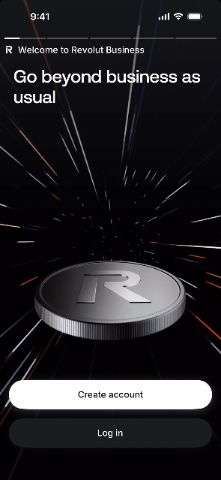
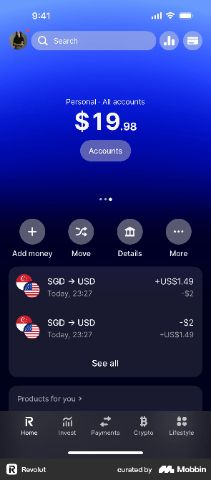 Revolut AppSome shots of the Revolut app in a 3D device frame.19s·Used 2687 times
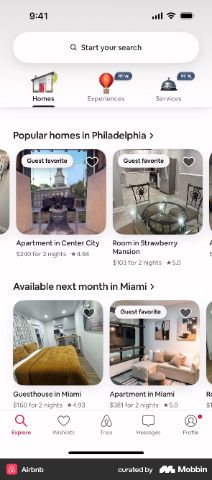 Airbnb 3d app19s·Used 2220 times
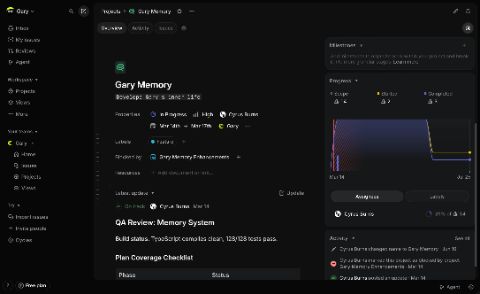 Macbook pro around LinearSuper simple dark cinematic video.16s·Used 2113 times
 Phone-Text Animation5s·Used 1137 times
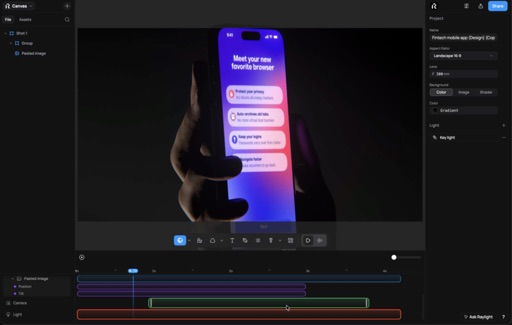
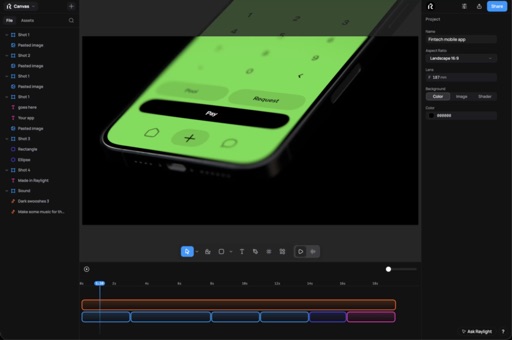
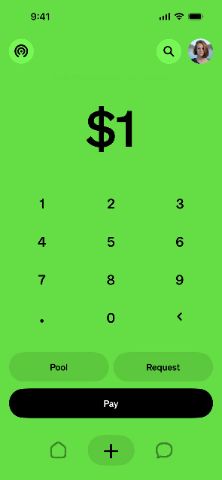 Fintech mobile appEasy to use 3D mockup in motion.19s·Used 825 times
 Phone animation6s·Used 636 timesIcons falling in 3D12s·Used 84 times
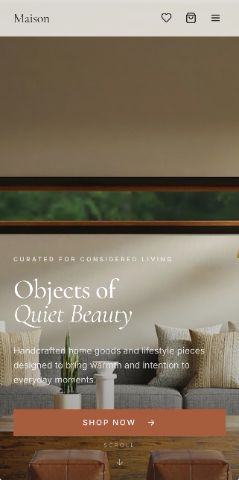 Phone-Text AnimationFollow my instagram @sitesbyamin5s·Used 84 times
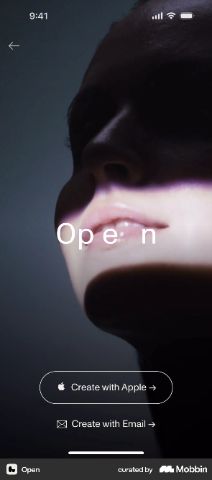 Phone on stand standing20s·Used 44 times3D blocks physics3s·Used 40 times
 Upload any 3d model28s·Used 18 times
 Revolut Style TemplateRevolut styled template with:
- App Store Opening
- 2 iPhones with a Revolut Card Sliding Down
- Investment Chart (fully editable)
- Currencies Orbiting a Globe
- Logo at the end (can be changed)
Template has been made free!
Massive thanks to Raylight for reviving the project!
Credit to nickmotionstudio on Instagram for threatening me14s·Used 689 times
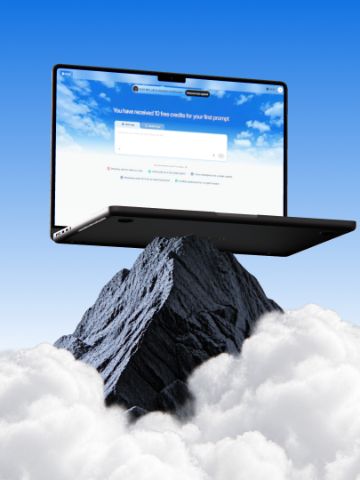 RL Design ModeBuild beautiful product mockups in minutes with Raylight Design Mode.30s·Used 508 timesGlass TextureCinematic 3D log teaser38s·Used 298 times
 Raylight 2.0Today we're launching Raylight 2.0.
Everyone's making motion graphics with Claude right now. Then they need to change one thing and it's a re-prompt and a re-render.
We gave Claude a real timeline.
> Describe the video. It lands as layers and animation blocks, not a black box render
> Don't like a move? Drag it. Or ask again. Same timeline, same frame
> Screenshots become 3D product shots with real lights and shadows
> Works in Claude, Cursor, or the app. No Team plan required
Every frame answers to you and your agents.45s·Used 215 times
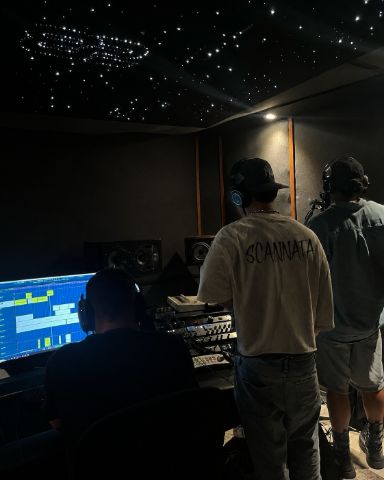 Messaging Template-Typewriter intro into a purple gradient glass headline
-Glitch word cycle with grid, rings and floating squares
-Chat bubble with a traveling stroke light
-Event card with wipe reveals
-Action pills + click into a ripple
-Reactions with zoom and background blur
-Full chat on iPhone morphing into an app icon
-End shot logo sting
Feel free to use this template! Inspired by mikedesignofficial on IG37s·Used 107 times
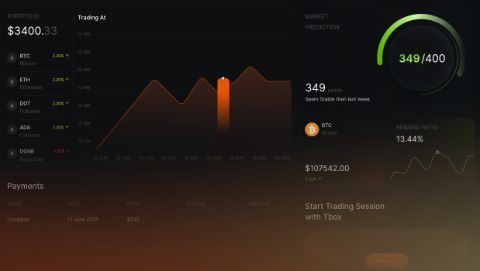 AI Tech SaaS IntroThis 42-second high-energy Motion Design Template is engineered specifically for AI startups, SaaS platforms, and modern tech launches. Inspired by top-tier motion aesthetics (Linear, Apple, Vercel), it features a fast-paced dynamic countdown, slick typography reveals, and modular UI showcase slides.42s·Used 22 times
More templates
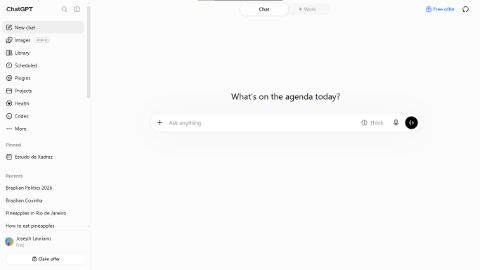
 ChatGPT TemplateChatGPT Image Generation template
- Logo Rotation + Company Name
- Search Bar with Animations
- Ask Button + Click
- Image Generation
- End Shot Logo
Feel free to use this template!14s·Used 3441 times
 X style launch videoThis is a remake of a viral twitter feature launch video. Recreated to show what's possible in Raylight. All credit for the original design goes to them.26s·Used 3426 times
 Logo Text Animation--Updated4s·Used 3247 times
 Dark cinematic mobile appThis is inspired by one of Linear's mobile app launch videos19s·Used 2981 times
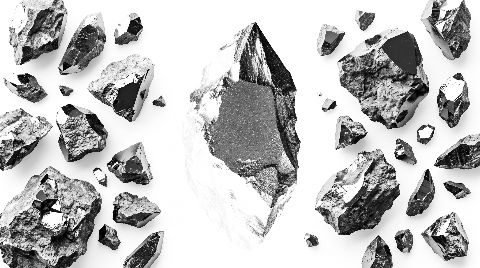 Frame MotionPictures flowing by at a rapid speed with your logo in the middle.4s·Used 2846 times
 Introducing video--updated19s·Used 1780 timesText Animation3s·Used 1626 times
 Nowak style motion designRecreated to show what's possible in Raylight. All credit for the original design goes to them.Used 1601 times
 Liquid Glass13s·Used 1553 timesFetch Saas19s·Used 1522 times
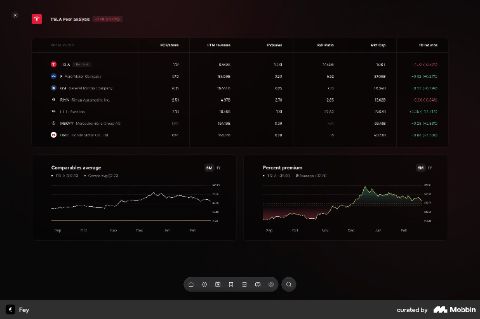 FeyFast quick camera movement around the Fey banking app. Super easy to add your own screenshots and export.13s·Used 1405 times
 Text Animation--Updated13s·Used 1403 times
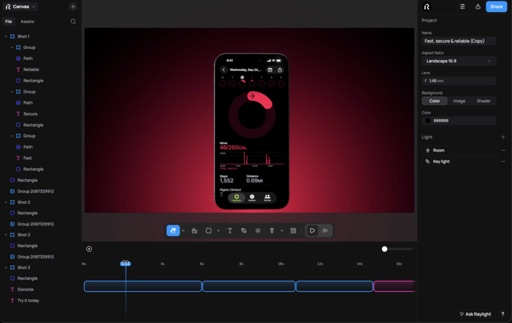
 Fast, secure & reliable19s·Used 1355 times
 SAAS Demo VideoThis premium SaaS demo video template eliminates the guesswork from product marketing. Designed specifically for software founders, product managers, and growth marketers, this framework helps you structure complex features into a punchy, engaging visual narrative.28s·Used 1246 times
 ChatGPT Style Template [UPDATED]For people that have a AI app, GPT wrapper style.10s·Used 1245 times
 Saas in the sky7s·Used 1196 times
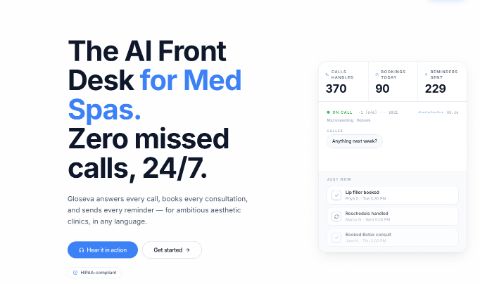 Animated Cards--Updated15s·Used 1062 times
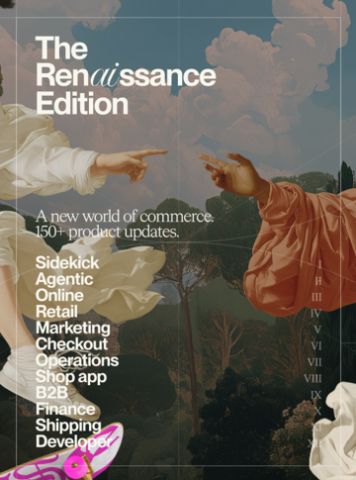 Image slide17s·Used 1024 times
 Framer style launch videoThis is a remake inspired by Framers agent launch video. Link to the original above. Recreated to show what's possible in Raylight. All credit for the original design goes to them.48s·Used 1005 times
 Introducing video25s·Used 998 timesBuild better videos faster4s·Used 923 times
 Text Animation--Updated7s·Used 908 timesLaunch text animation16s·Used 820 times
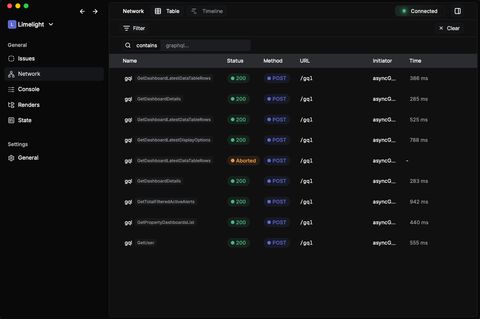 LimelightUsed 736 times
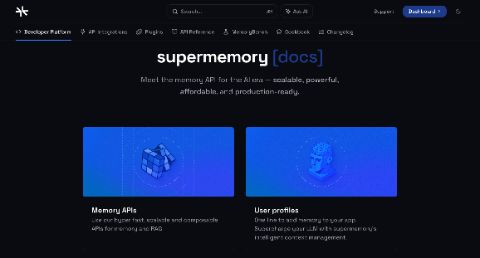 ManiculeUsed 705 times
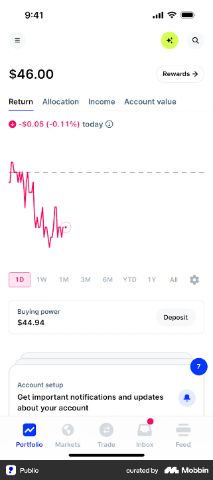 Public24s·Used 701 times
 AI Website Builder SaaSAnimation for website builders.
For commissions @tautwis77 on discord.16s·Used 676 timesText animation is easy10s·Used 668 times
 RL CaptureRaylight Capture launch video30s·Used 658 timesPurple SaaS9s·Used 631 times
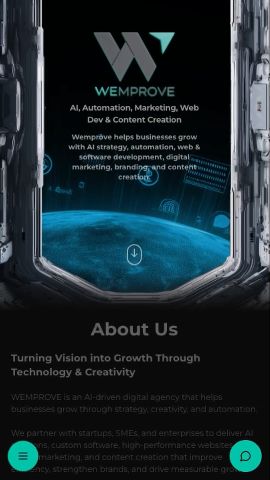 Website Mobile ResponsiveA mobile version demo of a website30s·Used 614 timesBouncy liquid glassSimple example of some bouncy liquid glass animations and a red shader background7s·Used 609 times
 Tag Ig3s·Used 566 times
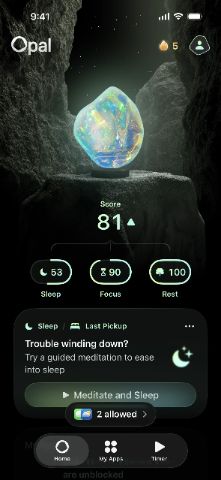 Cyrstal. See the future.28s·Used 556 times
 Claude AIClaude AI style template
Includes:
- Customisable Logo (shot 1)
- Fully customisable prompt, layout, logo, model, effort… (shot 2)
- Fully customisable code (shot 3)
- End-screen logo is fully customisable (shot 4)
Feel free to use this template!24s·Used 536 times
 LinesDrawing border linesUsed 490 times
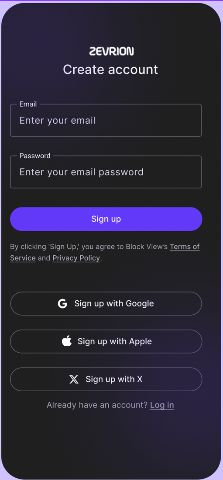 Crypto App TemplateZevrion is a fictional Crypto application that has integrated AI features to help your customers with their investments25s·Used 488 times
 RL Logo entrance6s·Used 475 times
 Drop inUsed 438 times
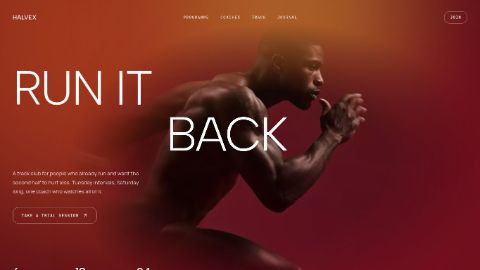 Dev Tool Launch ReelA short vertical promo for developer tools and SaaS products. Opens on a
claim, cuts into a screen recording, lands on the product mark and one call to action. Type-led, no stock footage, no filler.14s·Used 432 times
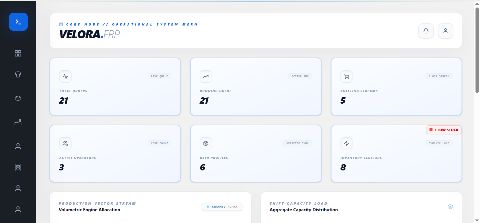 ERP DEMOBEST FOR BUSINESS AND ERP SHOWCASE YOU BUSINESS IN PREMIUM FEEL36s·Used 416 times
 Chat GPT launch videoA polished motion design template built to make product information clear, engaging, and easy to understand.
Perfect for SaaS, B2B, and tech brands looking to present features, workflows, or product benefits with smooth animations and professional transitions.
Help your audience understand your product faster, keep them engaged, and turn complex information into compelling visual content.26s·Used 380 times
 Prompt5s·Used 378 times
 GeoSpoof35s·Used 373 times
 Slot Roll to Image WallAn 18 second vertical reel for a product with a long feature list. A navigation menu rolls past like a slot machine and comes to rest on the one entry you want remembered. The camera pushes into it, a wall of your own images drifts by, and one of those images grows into the closing frame behind your name and your line.
Swap in your own menu entries and icons, your own images and your own voice-over. Made for product launches, app releases and library announcements. 1080 x 1920, reads with sound off.18s·Used 364 times
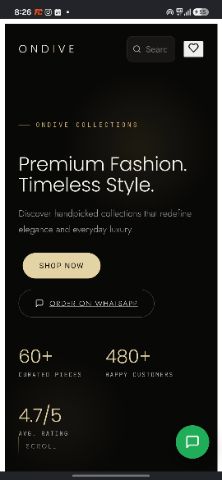 Ondive Collections25s·Used 345 times
 Meet Raylight3s·Used 343 times
 Raylight Studio 2.0 LaunchOfficial launch video for Raylight Studio 2.0 - Audio mode.
Generate music, SFX, and voceovers all from the one editor you already know.. One click gets you background music that fits your video perfectly, or ask Claude to be your sound designer.53s·Used 338 times
 Prompt button pressTilted prompt button click with animated mouseUsed 327 times
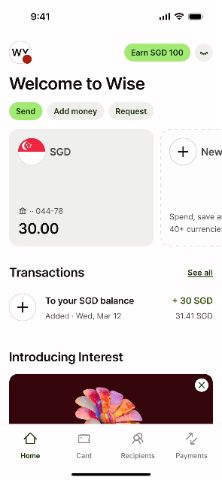 Raychart22s·Used 322 times
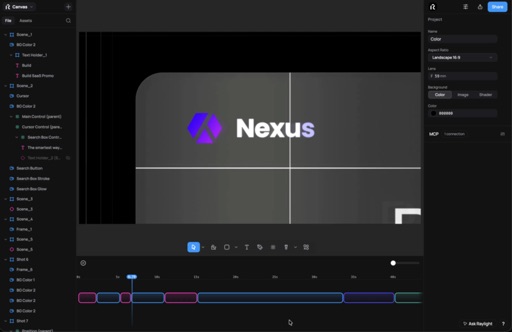
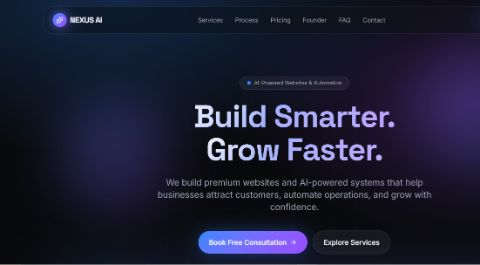 NEXUS AI11s·Used 320 times
 Spotify AdThanks!30s·Used 316 times
 Raylight outcomes (Video)Apply today12s·Used 311 times
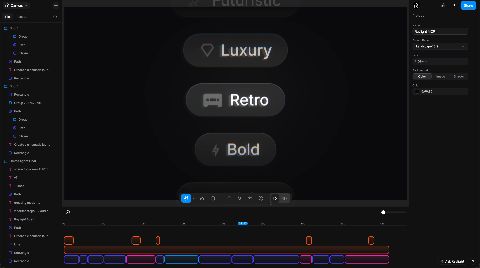 Raylight MCP social promoPromo video made showcasing the Raylight MCP server designed to be posted as short form content on Intagram, TikTok, etc...
Music and voiceover generated in Raylight53s·Used 311 times
 Glitchy IntroA clean, futuristic glitch intro for Codex, designed for modern apps and tech-focused visuals. Sharp, minimal, and perfect for product launches, demos, and futuristic brand content.
.10s·Used 306 times
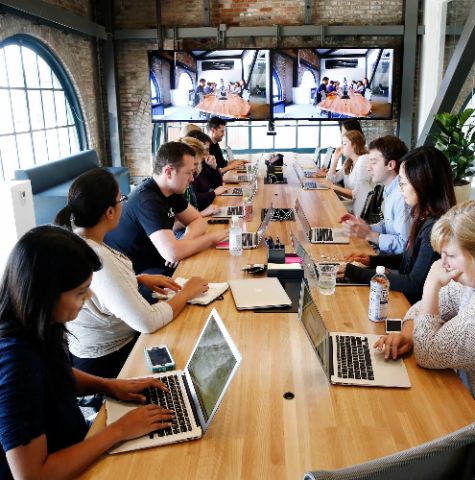 Startups are hardSome shots in this are inspired by Framers motion design. All credits go to them. Recreated shots are to show what's possible in Raylight.
We just made launch videos free for startups.
A full year of Raylight Pro, pre-seed to Series A.
Launch video, demo, feature drops. All of it, on us.25s·Used 293 times
 Ant-man11s·Used 274 timesText AnimationSimple text animation4s·Used 272 times
 Image carousel13s·Used 264 times
 Image wheel with scale11s·Used 257 times
 Chat Prompt AnimationFollow me pls :) (i am from brazil)5s·Used 253 times
 Readable6s·Used 244 timesMap Tool LaunchTurning a simple map into a dynamic visual experience.
Subtle depth, smooth motion, and clean UI.
Built to feel modern and immersive.
Dark. Minimal. Interactive.
What do you think?9s·Used 234 times
 Fintech dark17s·Used 222 times
 Social media promoPortrait video for showcasing your product on social media. It has faster cuts, lots of camera movement and more.
The music and voiceover was generated in Raylight.54s·Used 208 times
 How to click4s·Used 206 timesRaylight Marketplace RecapChart animation to showcase Raylight Marketplace August recap10s·Used 196 timesCreative IntroIntroduce yourself in eight seconds with bold animated typography, smooth scaling, a rolling star transition and an airplane flyby. Personalise the name, roles, social handle and colours for your portfolio or creative business.8s·Used 192 times
 Text Animation4s·Used 188 times
 My StoryUse this template to tell a short story . Change the Assets , texts , story teeling , voice , script and you will have same output.
Tips: use ChatGpt to generate the images you see in the design. Allign the background color and other assets to your branding .56s·Used 177 times
 Intellectual Ventures19s·Used 169 times
 Friendly little blobsThis is a remake of the OpenAI DevDay short video. All credits go to the original owner.
Opus 5.5 actually one-shotted this.12s·Used 163 timesFrom words to motion11s·Used 162 times
 Cinematic SaaS Template**Title:** Framer AI — Dark SaaS Template
**Description:** A cinematic Framer website template with a bold, dark look, built for AI products and modern SaaS brands.30s·Used 156 times
 Superagent10s·Used 154 times
 Raylight API43s·Used 146 times
 Math tekk11s·Used 145 times
 HealthASH29s·Used 138 timesAudioBook TemplateElevenLabs Reader Style Template
- Shot 1: Eleven Readers Logo
- Shot 2: AudioBook Reading
- Shot 3: AI Conversation Q&A
- Shot 4: Built in Raylight Logo
Feel free to use this template!25s·Used 137 times
 Fable Focal: Creative Promo - ( w/ ElevenLabs voicover as placeholder)Fable Focal — Creative Ad Agency Promo
Showcase your creative vision with this dynamic agency promo template. Combining bold typography, striking visual compositions, fluid transitions and contemporary motion design, it’s built for versatility. Replace the text and visuals to create a polished promo that reflects your creative identity.
Perfect for:
- Creative and advertising agencies
- Graphic and motion designers
- Branding and digital studios
- Portfolios and showreels
- Social media and promotional videos
Make it yours, tell your story, and put your creativity in motion.
Audio Disclaimer: The preview uses placeholder voiceover generated with the ElevenLabs Free Plan. It is for demonstration purposes only and is not licensed for commercial use. Before commercial use, replace it with your own appropriately licensed voiceover.21s·Used 135 times
 for website8s·Used 133 times
 KleneaThis is a remake of an Eleven Labs intro. All credit goes to the orignal.5s·Used 131 times
 Ray10s·Used 130 times
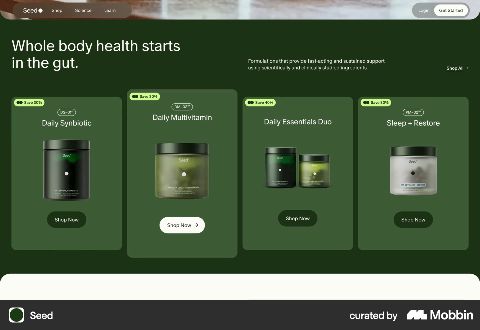 SaaS in the forest10s·Used 120 timesFire intro3s·Used 118 times
 Seaside mailing teamMore coming soon10s·Used 117 times
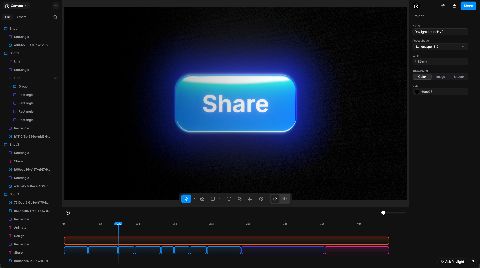 Raylight social promo 230 seconds social media tutorial on how easy it is to create product videos in Raylight.
Voiceover, music, and SFX made in Raylight.27s·Used 115 times
 Boo11s·Used 111 timesRubik's cube liquid glass10s·Used 107 times
 Rakolto Logo and App RevealLaunch Video for application and Logo reveal16s·Used 106 times
 mohamad ssrr30s·Used 104 times
 Glowing hot7s·Used 104 times
 T318s·Used 101 times
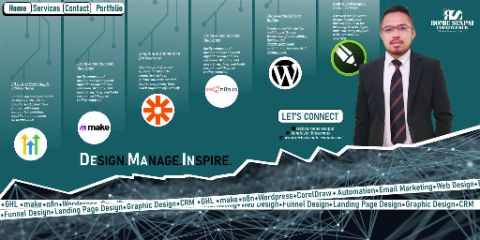 Profile ShowcaseShowcase your profile ,skills and tools. Use your social media cover photo for this template. Attached tour tool your logos .30s·Used 100 times
 Light desk11s·Used 95 times
 Codex22s·Used 92 times
 Notion AI templateNotion AI template
-Logo with dots around it
-Search bar with animations
-Ask button + click
-Word shuffle
-End Shot logo on monitor at a desk
Feel free to use this template!
Credit to xzecreative on IG31s·Used 91 times
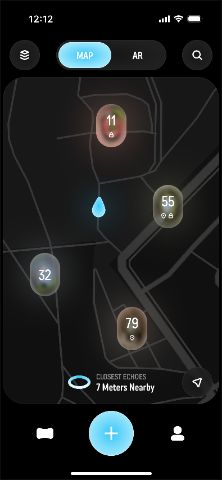 Echoes37s·Used 85 times
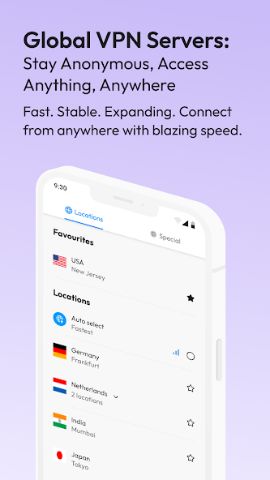 Cure VPN29s·Used 83 times
 Social promo 843s·Used 82 times
 1Password Style Template1Password Style template that shows how a password is a struggle to remember and why the user should use your brand.18s·Used 80 times
 Funraising announcement8s·Used 78 times
 Social promo 1041s·Used 78 times
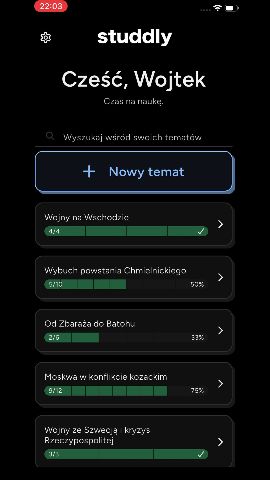 Studdly App34s·Used 77 times
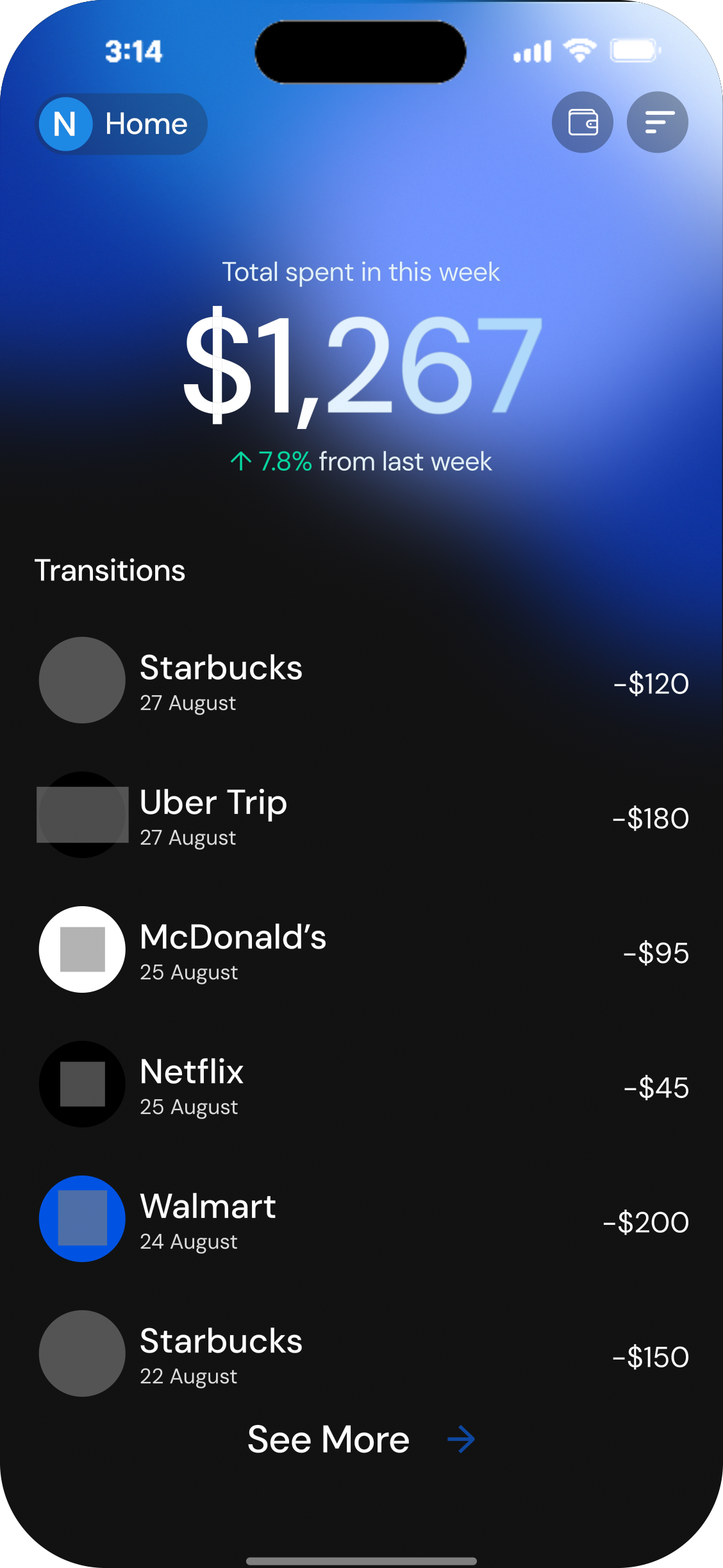 NestPay20s·Used 73 timesFable: AI Product Launch - w/ elevenlabs.io voiceoverA premium AI product launch film styled as a natural-history specimen plate. Rotating armillary rings, a labelled anatomy diagram, and liquid-glass integration icons that merge into one orb, over a silk-blue background. Swap the brand name, tagline, labels and icons to make it yours.
Audio Disclaimer: The voiceover used in this preview is a placeholder created using the ElevenLabs Free Plan. It is included for demonstration purposes only and is not licensed for commercial use. To use this template commercially, you must replace the audio track with your own licensed voiceover or upgrade the audio file through ElevenLabs.21s·Used 73 times
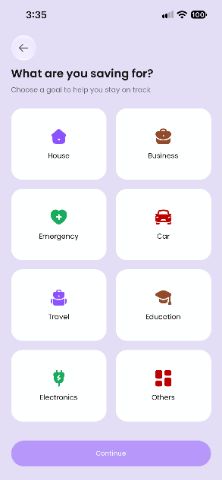 MOBILE APP SHOWCASE14s·Used 67 times
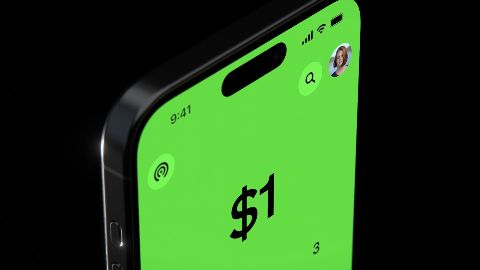 Social promo 942s·Used 66 times
 Social promo 645s·Used 64 times
 My worldYou can change all texts and add your no background video asset .11s·Used 59 times
 Raylight Template5s·Used 58 timesBlue lights6s·Used 55 times
 SaaS Product Promo ( Base 44 Inspired) - w/ ElevenLabs voicover as placeholderTurn your product into a polished, engaging promo with bold typography, dynamic transitions, animated interface elements and feature-focused visuals. Designed for SaaS platforms, startups and digital products, this template helps you showcase key features, communicate your value and finish with a professional branded call to action.
⚠ Audio Disclaimer: The preview uses placeholder voiceover generated with the ElevenLabs Free Plan. It is for demonstration purposes only and is not licensed for commercial use. Before commercial use, replace it with your own appropriately licensed voiceover.26s·Used 54 times
 Calendar App TemplateCalendar App Template - free15s·Used 53 timesImport5s·Used 53 times
 Free templates26s·Used 51 times
 Flows32s·Used 50 timesCounds flipping18s·Used 47 times
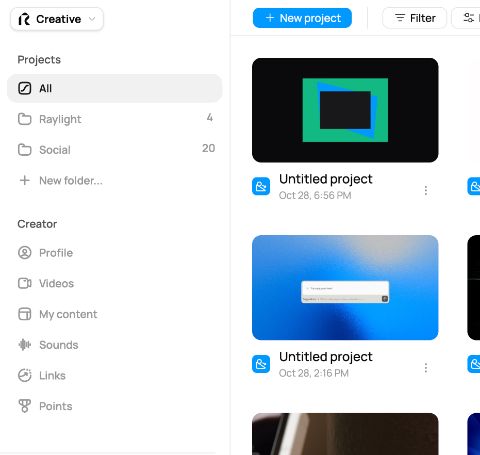 Raylight Points**Raylight Points: earn credits by hanging out in the community**
Every point you earn turns into 1 credit, and you can spend those on exports and generations.
**How to earn**
- Post to the feed, reply, comment on templates and like stuff
- Leave detailed feedback on someone's template
- Pin inspiration to the gallery (more points when people like your pins)
- Get likes, followers, and accepted answers
- Publish free templates: 75 for motion, 25 for design
- Get remixed: up to 1,000 points when a motion template hits 500 remixes
- Post about Raylight on social and earn more as the views add up (up to 5,000 at 100k views)
- Invite a friend
- One-time bonuses for finishing the tutorial, your first export, completing your profile, and connecting Discord
**How it works**
Points sit as pending for 48 hours, then you hit Redeem to turn them into credits (100 minimum). Everyday stuff like posts, likes and replies caps at 500 points a month. Remix and social view milestones don't count towa14s·Used 43 times
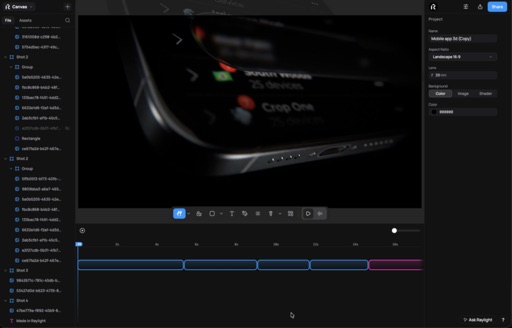 Social promo 1442s·Used 43 timesCountdown Launch Template VideoYou can use this for tech countdowns or launch videos9s·Used 43 timesWordmark ignitionLayers (3, bottom → top)
1. Background mesh — shape · rectangle
Position (−1.9, 0.7), size 3.2 × 1.9, fills the frame
Mesh gradient, 15 nodes (5×3 grid, all spot, size 0.3, edge 0.45), oklab blend — palette: #FF5C1F #FD44B7 #FFA4F9 #FFC285 #5075FE alternating with dark fillers #1a1210 / #241812
Motion: drift 0.45, speed 1, seed 1 (slow aurora wander)
Layer blur 0.05 (the soft background wash), full lifetime 0–1800 ms
2. Wordmark "YOUR BRAND" — text
Position (−1.9, 0.78), Inter 800, size 0.095, white #FFFFFF, letterSpacing 0.02, centered
Entrance: mask-sweep right, 700 ms, delay 400 ms, ease-out-expo, scaleFrom 1.04
Glow: #FF5C1F, blur 0.012, intensity 0.7, edge mode ← the tightened version from the blur fix
Full lifetime 0–1800 ms
3. Tagline "Ready to remix." — text
Position (−1.9, 0.58), Inter 500, size 0.026, #FFA4F9
In at 600 ms (fade 500 ms, delay 150 ms, ease-out), out at 1800 ms
No effects
Camera
Rest framing: zoom 1, centered on (−1.9, 0.7) — held for 0–1400 ms
Framer block: 14010s·Used 42 times
 Timeline12s·Used 42 times
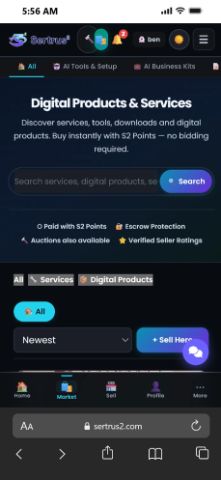 Crypto Marketplace Ad1m 1s·Used 41 times
 Morphing tutorial25s·Used 37 timesElevenLabs X ClaudeA minimal 2D promo animation for ElevenLabs, ideal for modern apps and products that support MCP. Clean, simple, and built for polished product showcases.
Credits to the original creator for the inspiration.46s·Used 34 times
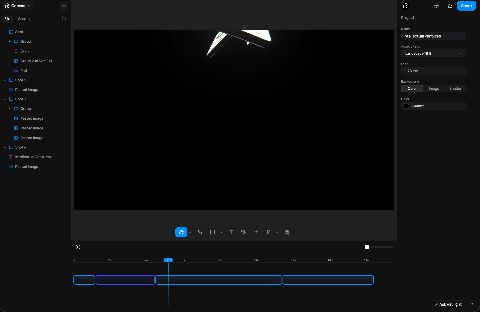 Social promo 1543s·Used 29 times
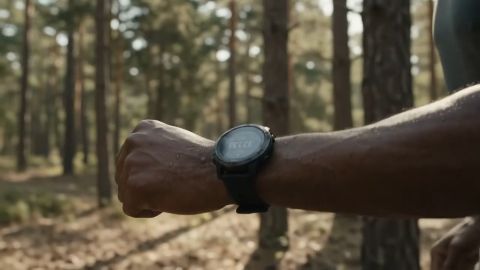 Flora AI — Node-Based AI Workflow LaunchA cinematic product launch template built around a node-based AI creative workflow. Designed natively in Raylight with smooth camera tracking, glassmorphic UI cards, and dynamic canvas zoom-outs.
What’s inside the timeline:
• Prompt & Agentic Flow: Typing prompt bar, kinetic typography, and automated workflow status tags.
• AI Model Selector: Interactive dial transition switching between image and video generation models.
• Node Canvas & Bezier Connections: Connected media nodes with glowing path animations, image-to-image reference updates, and voiceover selection UI.
• Export & Multi-Format Grid: Resolution toggles (740p, 1080p, 4K), before/after polish preview, full node-tree zoom-out, and minimal logo reveal.
Fully layered and customizable—swap in your own UI assets, media outputs, prompts, and brand colors in minutes. #Awards43s·Used 29 times
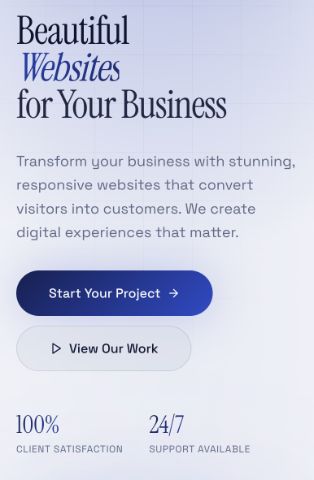 Ondive CollectionsFollow my instagram @sitesbyamin17s·Used 19 times
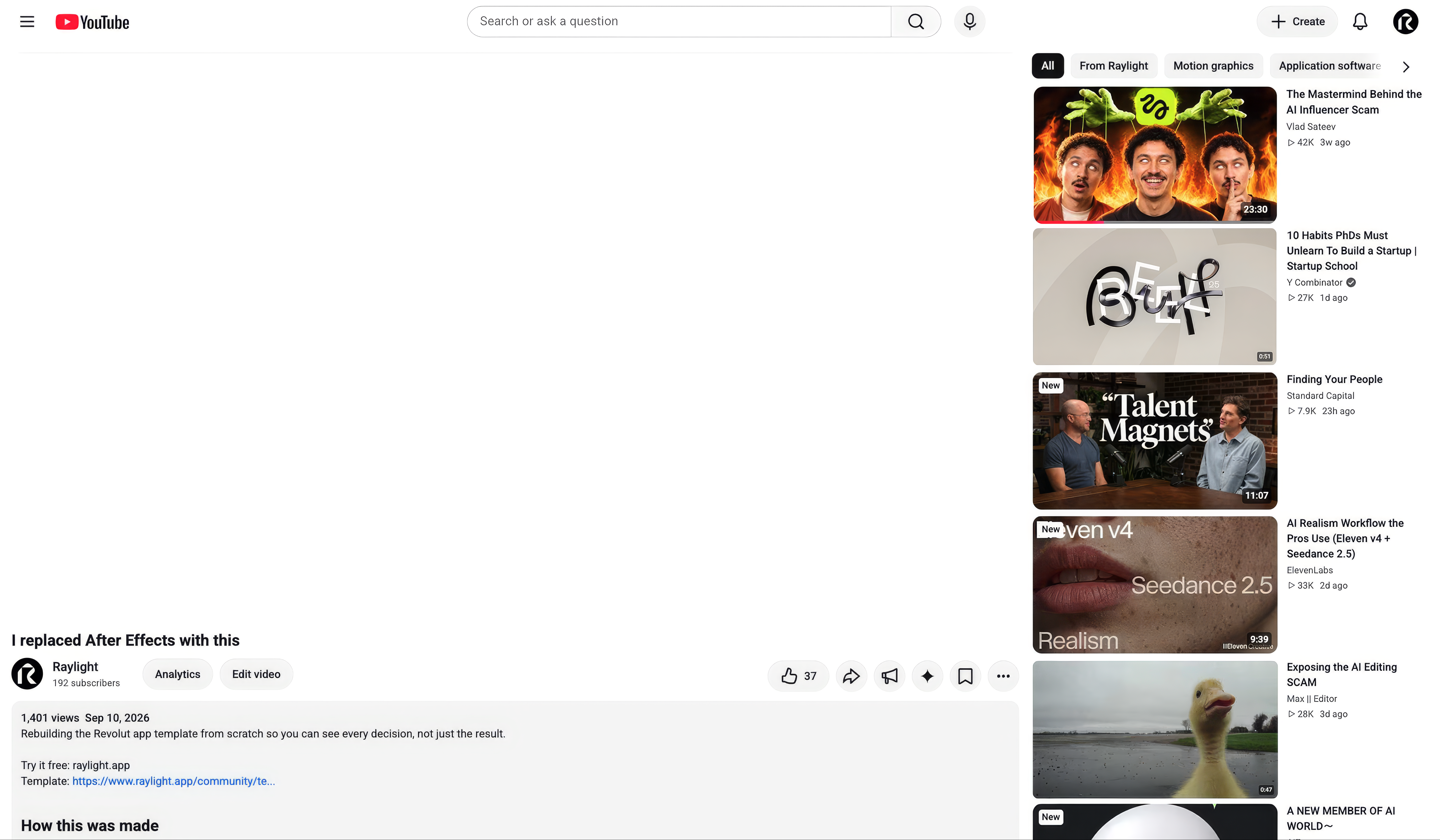 /video-to-project**New: Remake any video** 🎬
Give your AI a video. It studies every frame and rebuilds it in Raylight, shot by shot, as a project you can edit.
Real layers. Real timeline. Every move draggable.
**How to use it**
1. Run `npx raylight skills add`
2. In Claude Code: `/video-to-project ~/Downloads/launch.mp4`
In Codex: `$video-to-project ~/Downloads/launch.mp4`
3. Keep the Raylight tab open while it builds
When it's done you get the project link plus a side by side of the original next to your remake.
**Good to know**
- Remakes are free. The study runs on your own Claude Code or Codex plan
- Videos up to 3 minutes and 1 GB (MP4, MOV, WebM, or a link)
- Up to 5 a day, one at a time
- Only remake videos you own or have the right to use
Docs: https://www.raylight.app/docs/remake
Post your side by sides in here. I want to see what you remake 👇43s·Used 14 times
 Stcortex16s·Used 14 timesHow Tech Teams Ship — Dev Release StoryA 20-second launch template for developer tools and engineering teams. Built around a real terminal aesthetic — JetBrains Mono type, a mint-on-near-black palette, and a subtle dot-grid backdrop — it walks viewers through the whole shipping loop in 7 quick scenes: the terminal hook, the pipeline, the commit, build & test with a live progress ratchet, the ship-flight moment, release cadence, and a closing end card with your CTA.
Swap in your own command, metrics, and headline and you have a premium launch or feature-announcement video — the camera moves, speed cuts, and follow-through animation are already choreographed for you.20s·Used 7 times
 YouTube style editorial4m 44s·Used 5 times
 مستر بيكراكل بيتي14s·Used 1 timeGrok botShort version, for X:
Meet Grok Bot.
Your always-on agent on X.
Spots the trend. Writes in your voice. Answers every DM. Briefs you at 8.
You ask. It acts.
Long version, for Contra or YouTube:
Grok Bot is an AI agent that runs your X account while you sleep.
It catches trends before they peak, drafts posts in your tone, replies to every DM in seconds, and hands you a morning brief with your day already planned.
One prompt. Zero busywork.
Live now on X.37s
 Brand Search Style TemplateBrand Search Style Template , you can change According to your Brand... Use and Enjoy10sFintech Product Launch VSLA 60-second cinematic launch video for a trading, fintech, or SaaS product. Dark theme, one accent color, animated chart and UI reveals, pricing beat, and end card. Highly customizable: every scene is built from editable layers, so you can swap the logo, screenshots, copy, accent color, timing, and section order without rebuilding anything. Built for a TradingView indicator, works for any dashboard or data product.47s
 Claude Concept PromoA 39-second cinematic concept promo for Claude. It moves from digital noise to clarity, with a natural voiceover, a fully synced sound mix and Claude's warm coral-and-cream palette.
Too many tabs, too many drafts, too many ideas. This spot opens on a dark crosshair full of scattered thoughts, then pulls everything together into one calm moment: understood.
From there it moves through what Claude does. A prompt typed on a frosted-glass beach scene, an image burst that comes together into Done., and a glassy Mac-style code window that finds a bug and fixes it live. Then a tree of ideas grows and branches out, before landing on the end card: Room to think. To build. To wonder.
What's inside:
10 shots with camera dives, push-ins and pans timed to every beat
A Liquid Glass code window with live error-to-fix animation
A custom burst of images that flies into the word "Done."
An animated idea tree with labelled branches
An American voiceover synced line by line to the vi39s
 ChatGPT Menu Ad10sText animation for Website Promo11s
 Dynamic App PromoPremium App promotion / trailer showcase.30sAi SaaS Image Recognition TemplateSaaS Image Recognition Showcase, all text and images can be modified.7sBrand BookThis Brand Showcase Template for Raylight is designed to help designers, agencies, freelancers, and businesses create polished brand presentations with smooth, modern animations. Whether you're showcasing a new visual identity, presenting a client project, or building a portfolio, this template makes your work stand out.16s
Lit like a product shoot
The devices respond to a key light you can move, cast real shadows onto the stage, and pick up reflections on the glass. Change the device color, angle, or light, and the shot updates live.
Frequently asked questions
- Are these templates free?
- Most are. Free templates open straight in the editor; a few creators sell premium templates, and those show a price. Exporting is included on the free plan at 1080p with a small badge, and paid plans export up to 4K without it.
- Do I need After Effects or any install?
- No. Raylight runs in the browser. Open a template, swap in your own screenshots, copy, and colors, and export MP4 or GIF from the same tab.
- Which devices are available?
- iPhone and MacBook are the most common in these templates. The editor also has iPad and browser frames, so you can wrap any screenshot in whichever device fits.
More template collections
Shoot bold.
Ship fast.
