Website hero video templates
Hero videos want restraint: one slow move, soft depth of field, a loop point you cannot find. These templates are built to loop, with holds at each end of the move, so your landing page gets motion that reads as premium instead of busy.
Swap in your product screens and export an MP4 your hero section can loop.
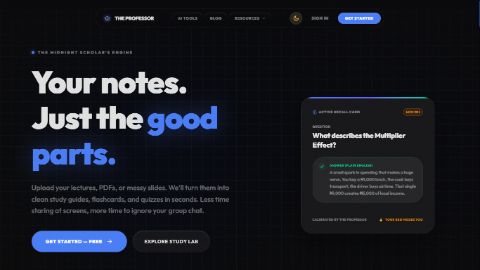 SAAS Demo VideoThis premium SaaS demo video template eliminates the guesswork from product marketing. Designed specifically for software founders, product managers, and growth marketers, this framework helps you structure complex features into a punchy, engaging visual narrative.28s·Used 1299 times
 Image carousel13s·Used 278 times
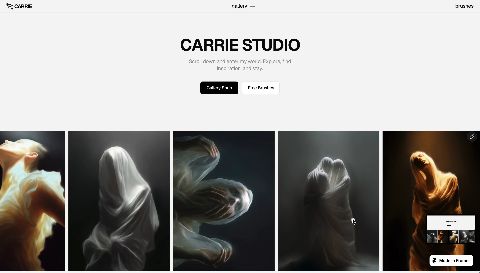 for website8s·Used 142 times
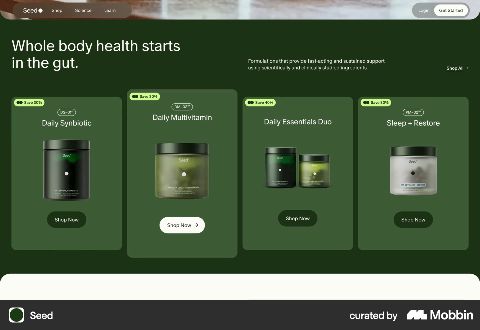 SaaS in the forest10s·Used 131 timesBlue lights6s·Used 62 times
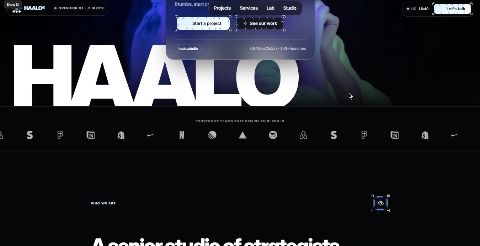 Haalo web case study video : Desk-to-Screen Showcase TemplateScreenshots show what you built. This shows how it feels.
The film starts on a 3D desk setup, pushes into the monitor, and takes the viewer through your website: a live scroll in a browser frame, a tilted page with a cursor click, a rapid gallery of eight sections, then a slow pull-back to the desk with your logo on screen. Every transition is timed to music and sound effects.
Features
16:9, 60 fps, 24 seconds: sized for case study covers and hero sections
7 connected shots, each one continuing the motion of the last
3D desk and monitor scenes for the opening and closing
Browser and display frames for your screen recordings
Animated cursor with a click moment on your key call to action
Fast-cut gallery for eight page sections
Music and synced sound effects already placed
Swap your recordings and screenshots; the motion stays intact
Who it’s for
Web designers and Framer or Webflow developers publishing case studies on Contra
Freelancers and studios who want a moving cover on their24s·Used 29 times
More template categories
Frequently asked questions
- Are the templates free?
- Most are. Free templates open instantly in the editor; some creators sell premium templates, and those are marked with a price. Either way, exporting your finished video is included on the free plan at 1080p, and paid plans export up to 4K.
- How do templates work?
- A template is a finished Raylight project. Open it and everything is editable: swap in your own screenshots and copy, adjust colors and timing, and the camera work and effects carry over untouched.
- What formats can I export?
- MP4 and GIF, in landscape, square, or vertical aspect ratios. 1080p on the free plan, up to 4K on paid plans. Every MP4 export also gets a share page with a link, on every plan. Paid plans add your own colors on that page and bigger video uploads.
Shoot bold.
Ship fast.
